TD2455
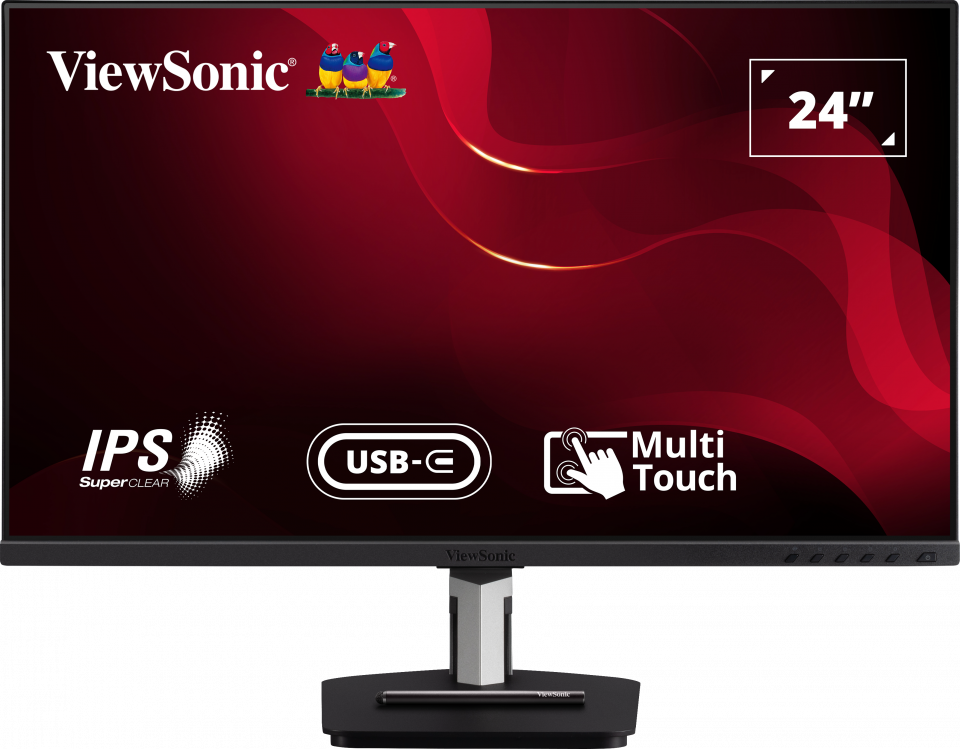
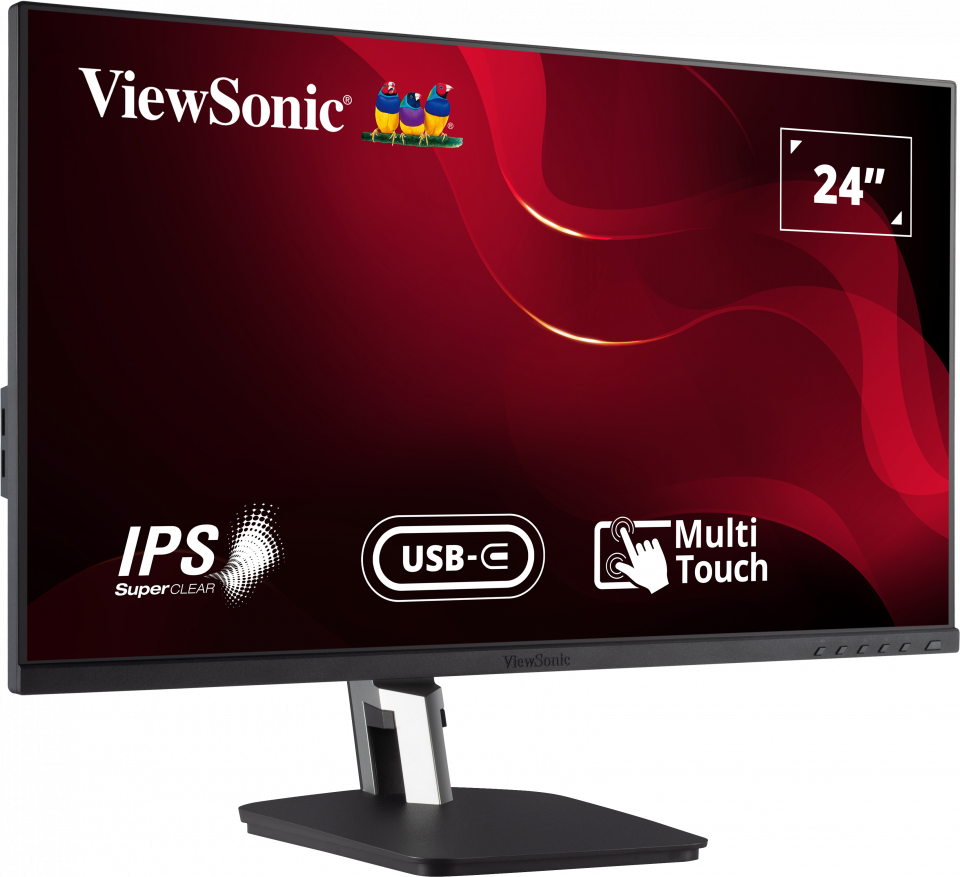
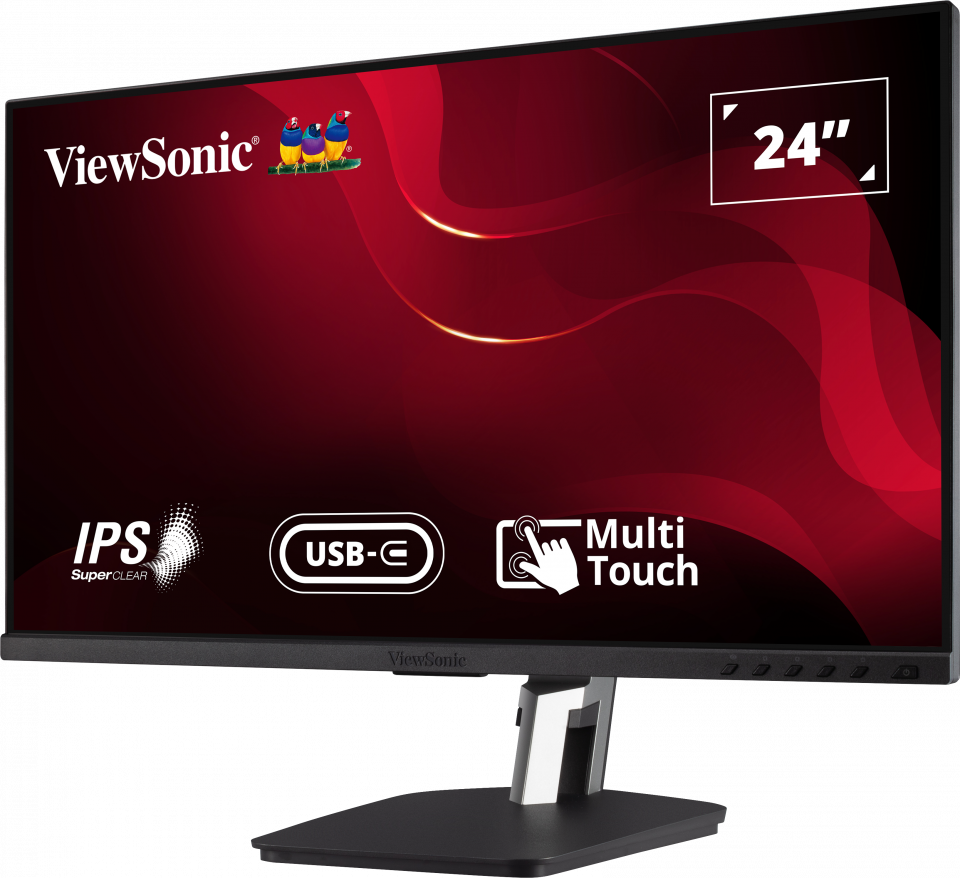
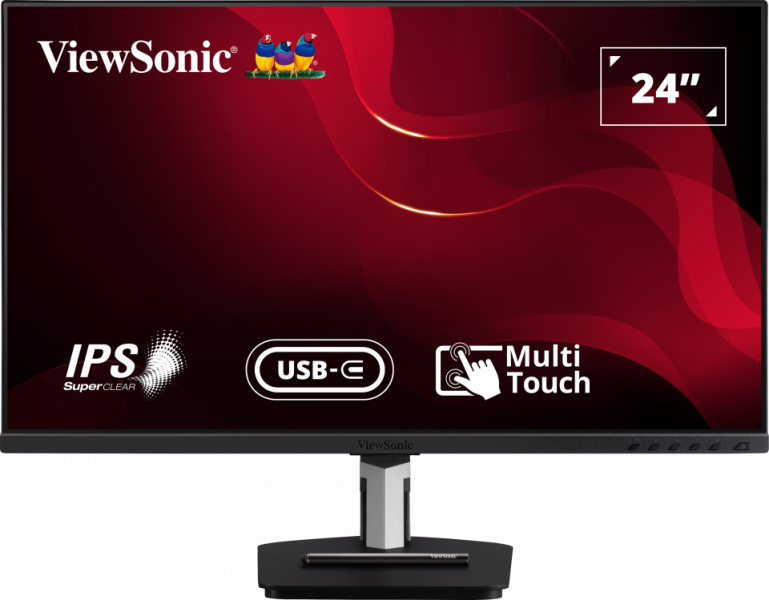
24” In-Cell Touch Monitor with USB Type-C Input and Advanced Ergonomics
- Versatile touch applications
- Accurate yet smooth touch experience
- USB Type-C one cable solution
- DisplayPort out supporting Daisy Chain
- Highly adjustable working angles to suit different needs
PANORAMICA
With responsive in-cell touch technology and an advanced ergonomic design, the ViewSonic® TD2455 touch monitor delivers hands-on control for more productive workspaces and collaborative classrooms. With high-performance in-cell touch technology, this 24” (23.8” viewable) Full HD display provides smooth and responsive touch tracking, along with amazing screen performance, within a sleek and bezel-less design. USB Type-C connectivity offers a single-cable plug-and-play solution for laptops, while DisplayPort output enables easy screen mirroring or extended desktops ideal for office productivity and podium touch applications such as conference rooms or classrooms. A magnetic stylus pen lets you write or draw on screen, and easily attaches to the display stand for secure storage. So whether used on its own on office desktops, as a presentation station in corporate meeting spaces, or as a front-of-classroom interactive teaching hub, the TD2455 helps to boost efficiency and productivity. *Some laptops may need to enter BIOS mode and change the power management setting to “tap-to-wake”.Versatile Touch Applications
Whether used as a check-in kiosk at reception, as a collaboration station with co-workers and colleagues at the office, or as a touch podium for front-facing teaching, this sleek and slim touch display seamlessly integrates into your workflow for boosted efficiency and productivity.Agile yet Scalable Touch Display

Efficient Multitasking
With advanced DisplayPort Multi-Stream technology and support for up to 4-screen daisy chaining*, this display can transform into the ultimate touch screen workstation – in mirror and extended modes – for increased productivity. *up to 4 with a PC; up to 3 with a laptopDisplayPort Multi-Stream Transport (MST)

Touch Annotation for Presentations
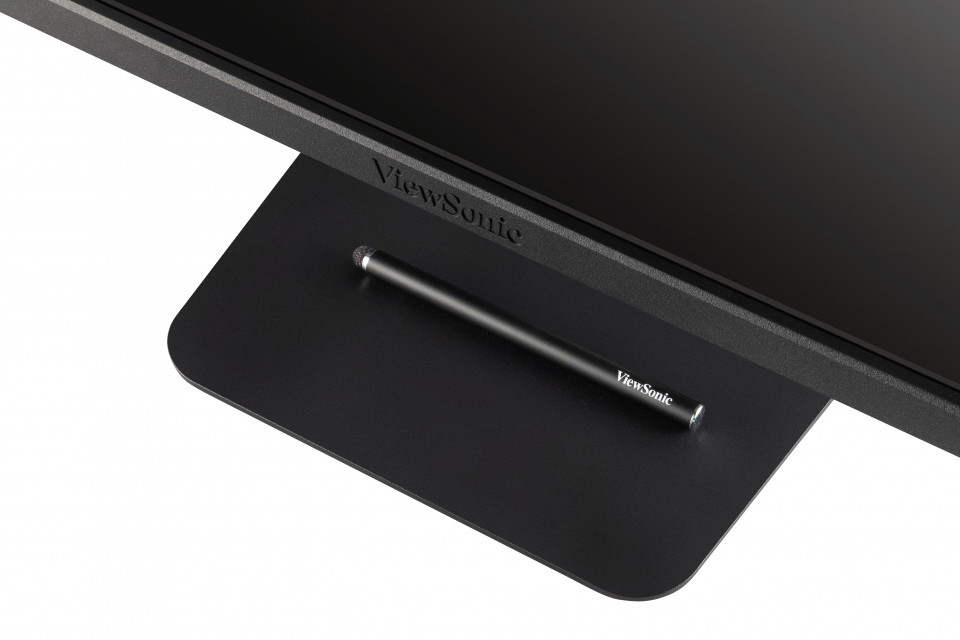
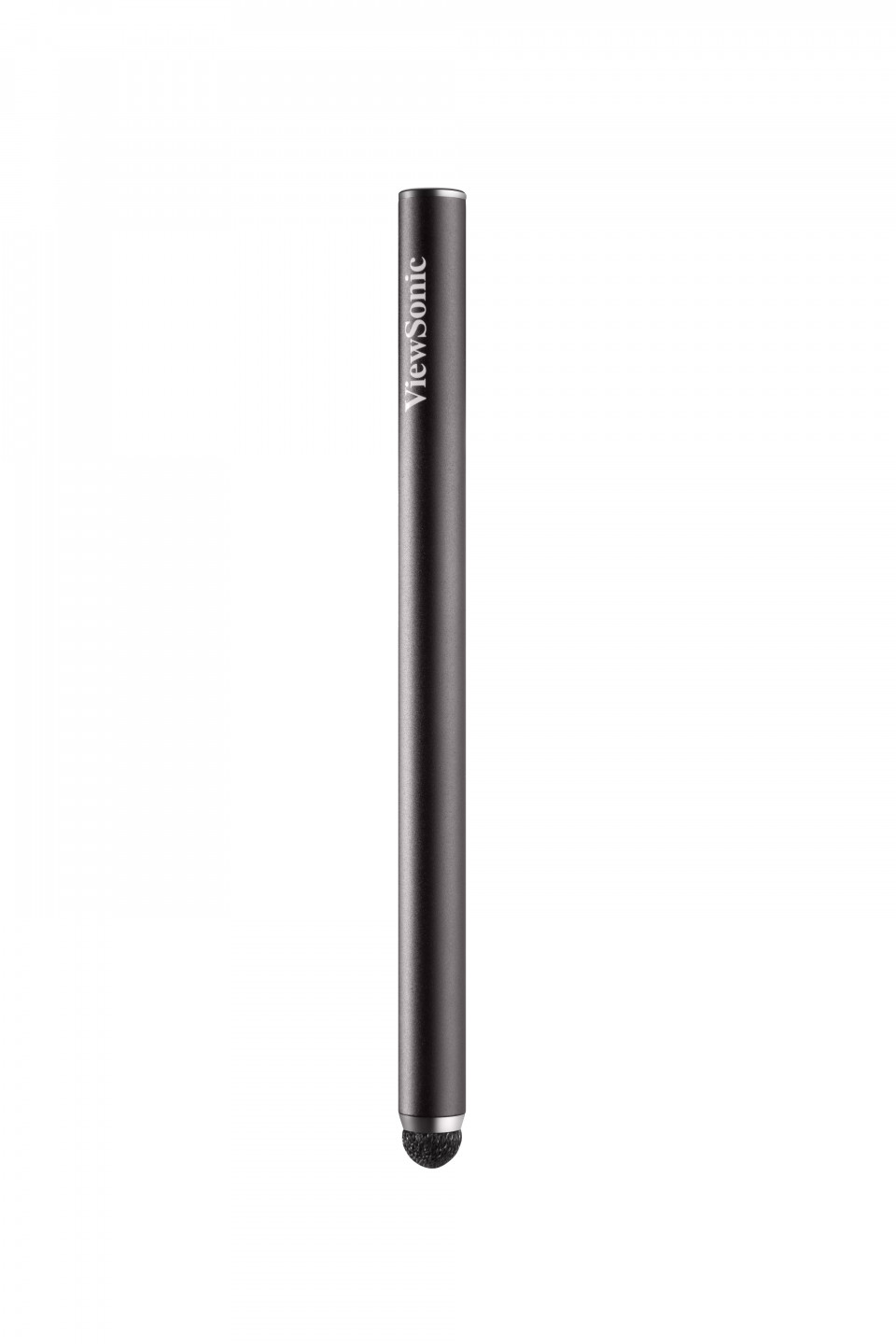
An included stylus pen easily attaches to the magnetic base of the display, and allows you to draw, write notes, or perform other detailed tasks that require more accuracy than your fingertips alone. The pen is especially useful during presentations when the TD2455 is attached to a projector.Fine Writing Stylus

Accurate yet Smooth Touch Experience
Powered by in-cell touch technology, the TD2455 offers sensitive yet smooth touch response for detailed content editing with fingertips or the touch pen.10-Point In-Cell Projected Capacitive (PCAP) Touch Technology

Quickly Start Your Work
The latest USB Type-C input transforms this display into a powerful hub by enabling easy connectivity to PC, laptop, and Chrome systems. In addition, it delivers charging power, video, and audio over a single cable.USB Type-C

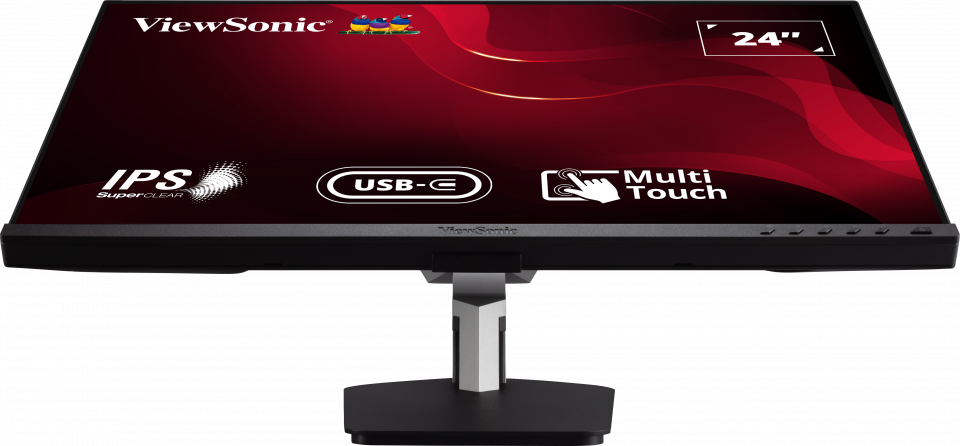
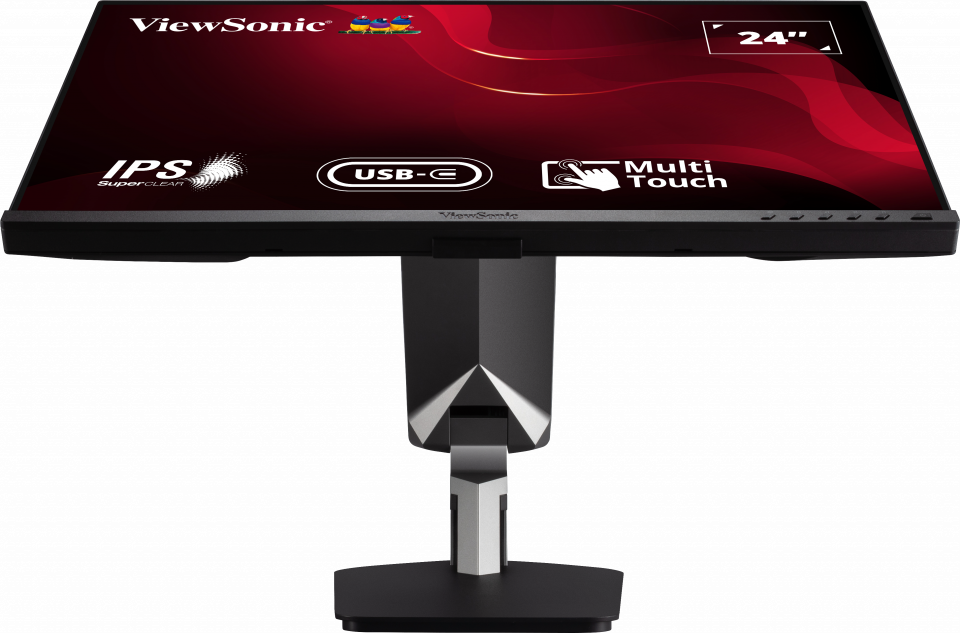
Comfortable Working Angles
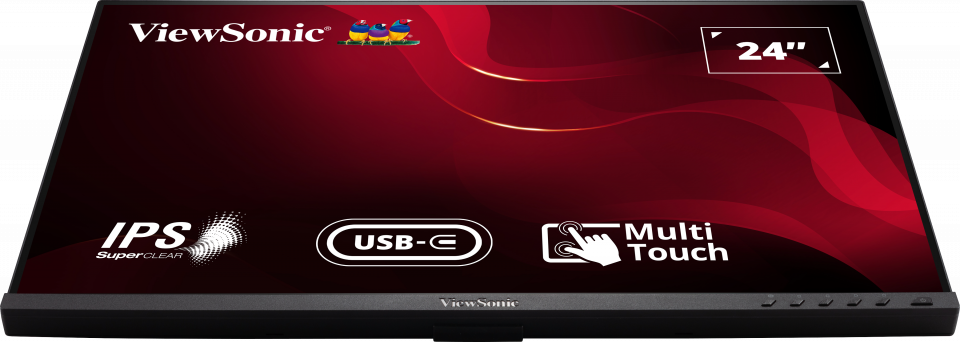
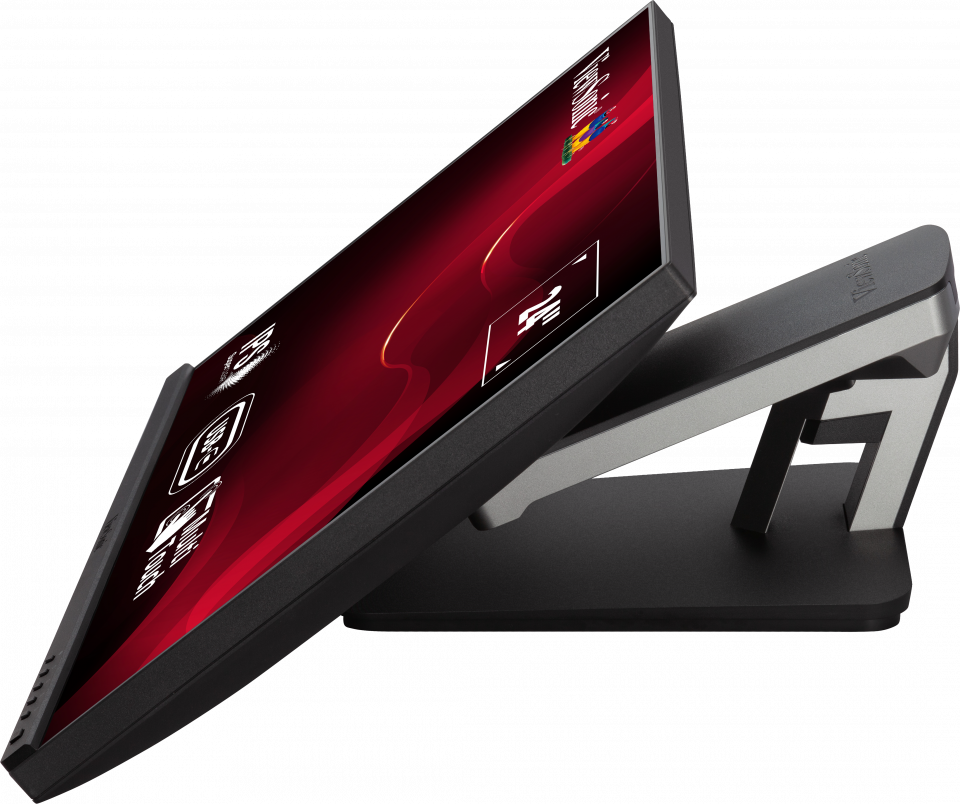
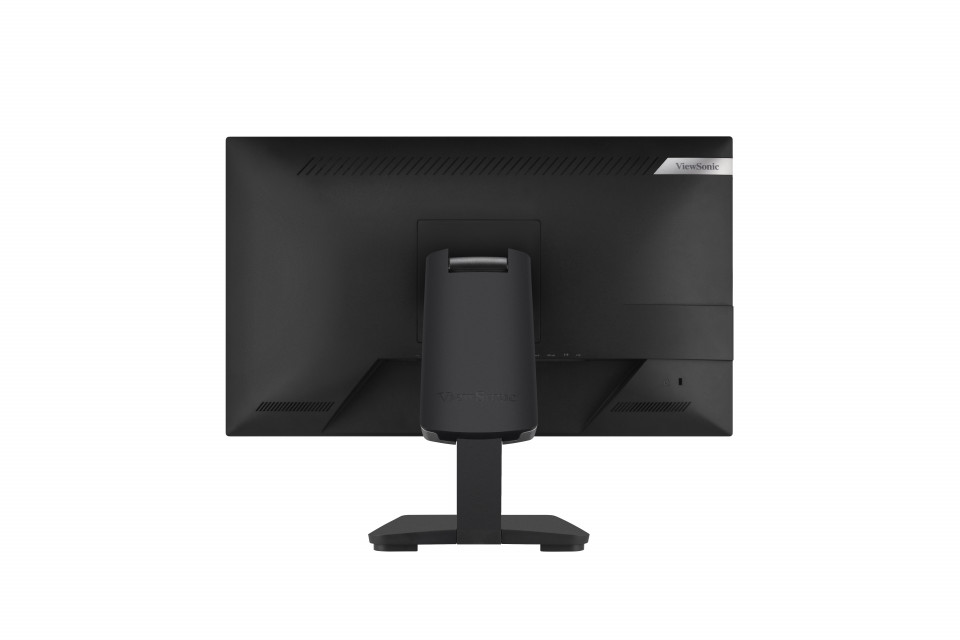
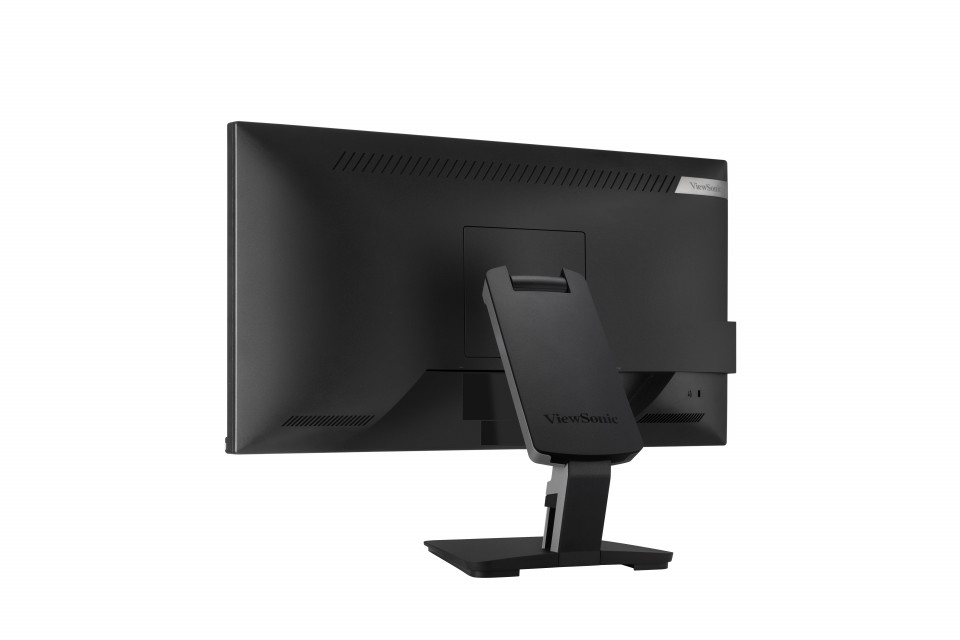
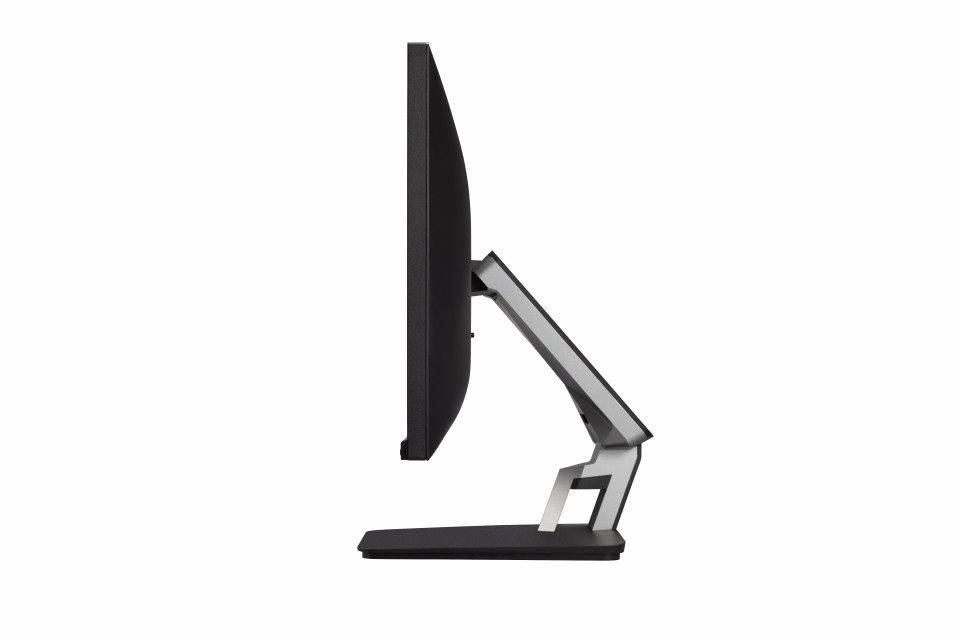
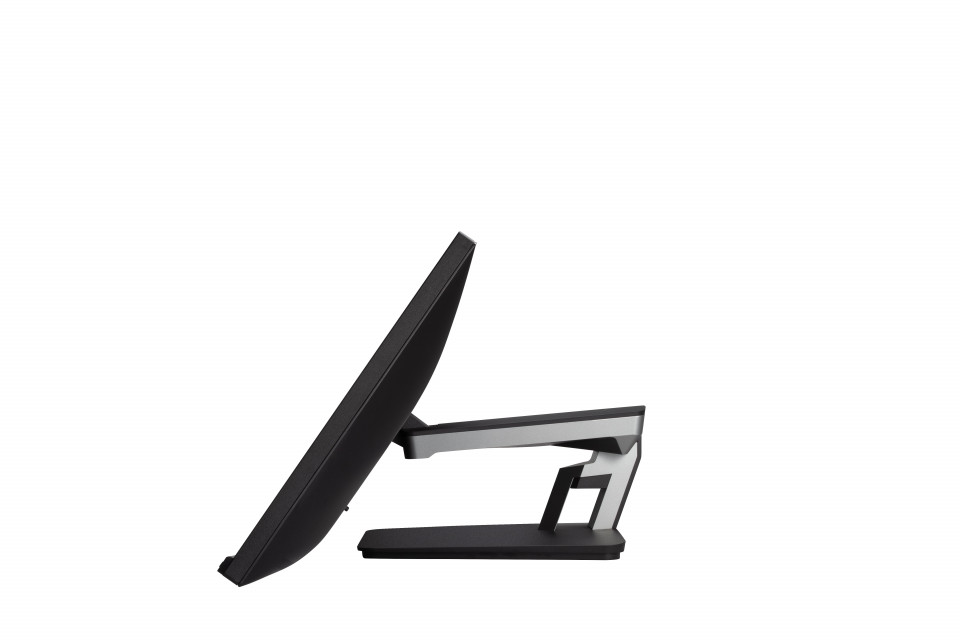
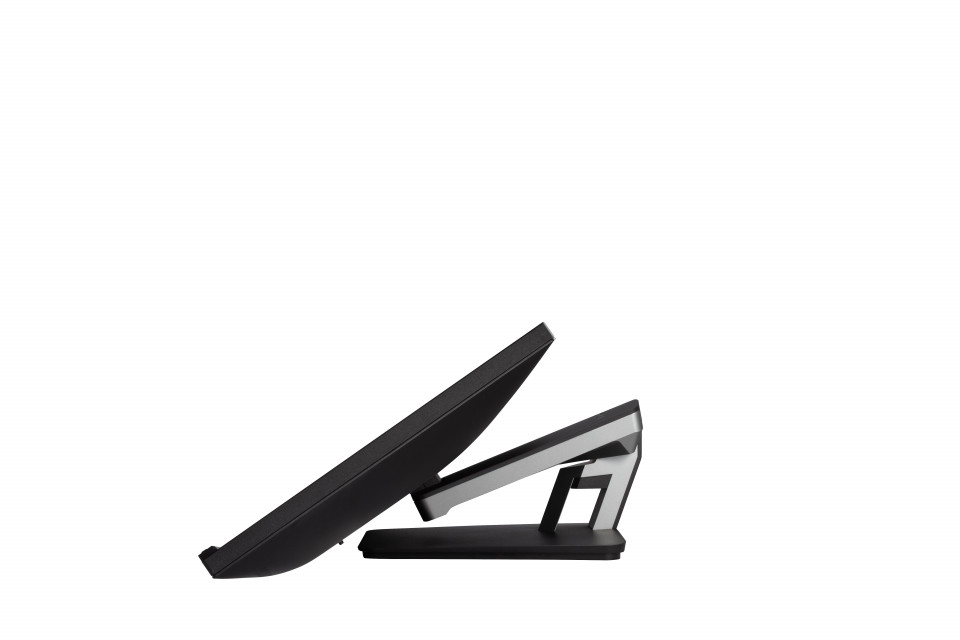
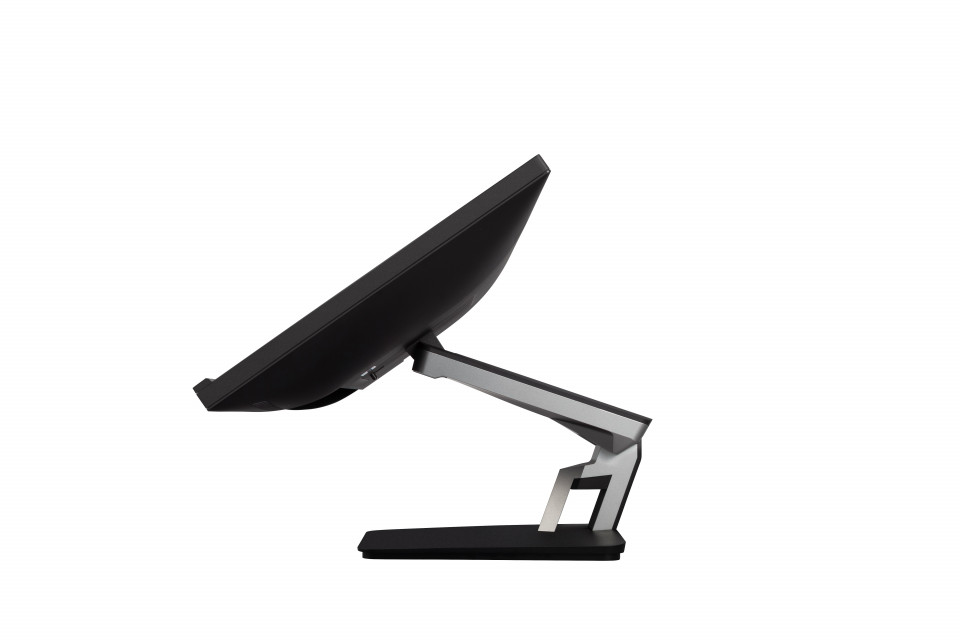
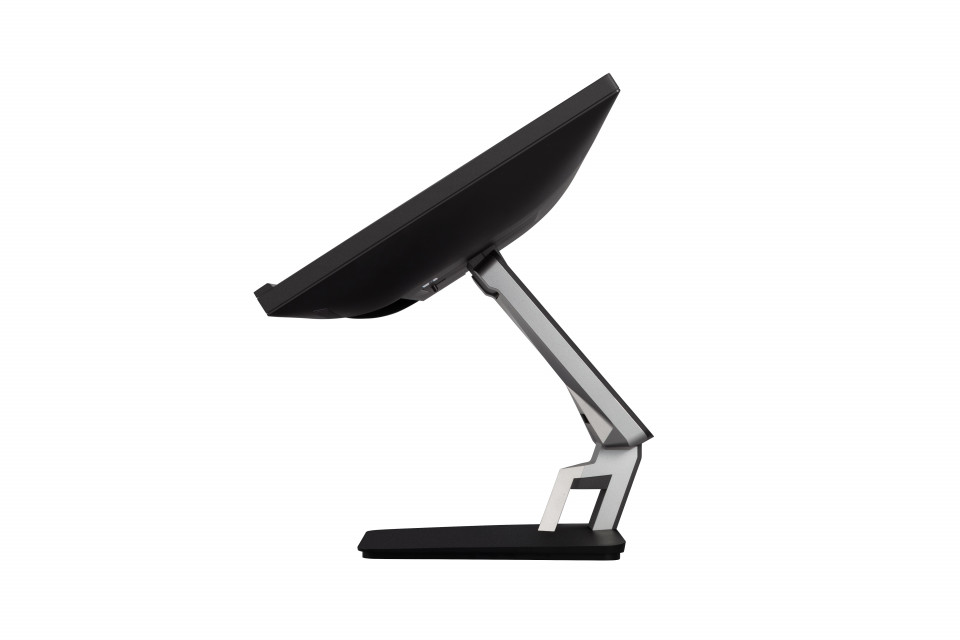
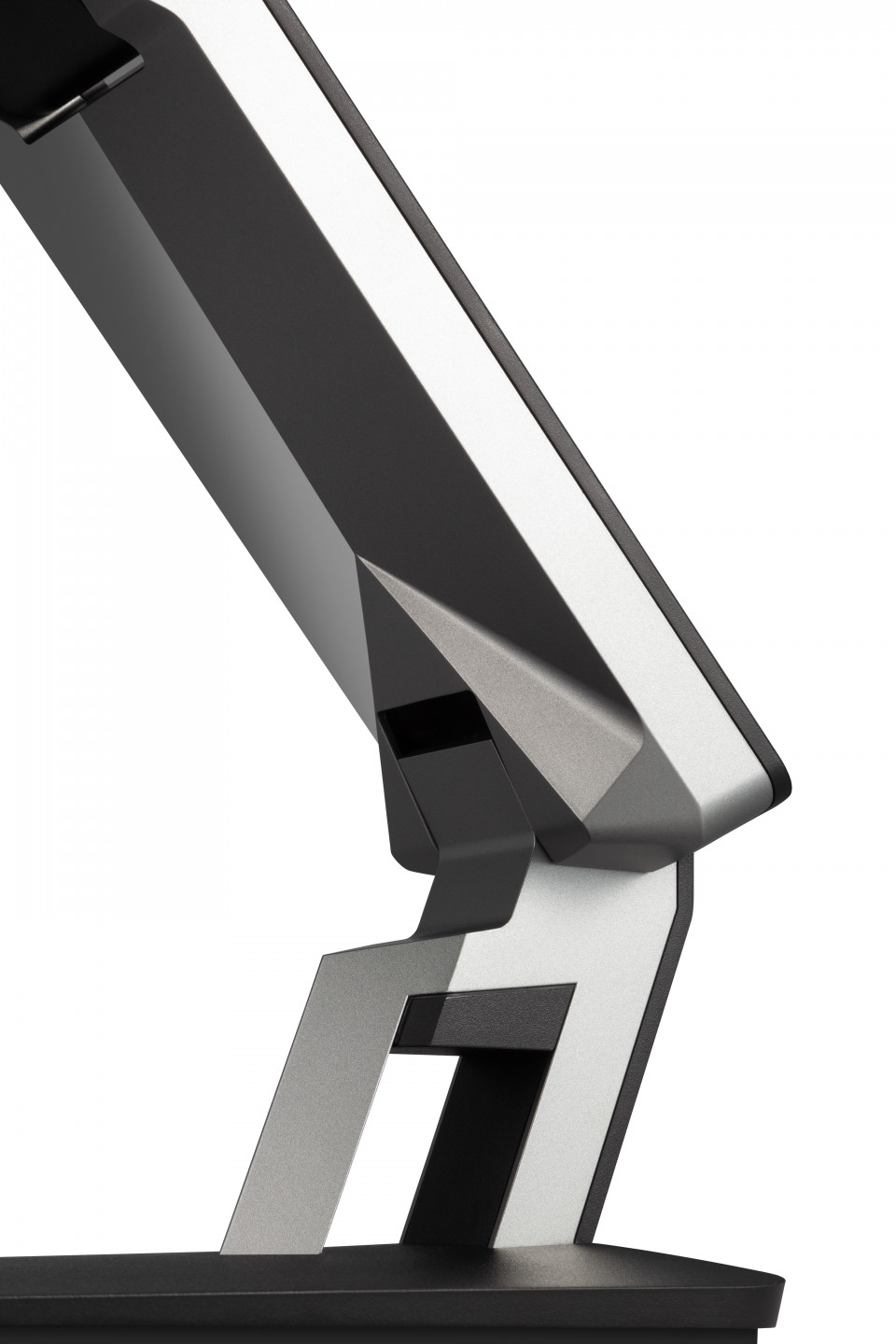
Designed with an ergonomically advanced dual-hinge stand, this display can be tilted and adjusted to deliver a more comfortable user experience.Ergonomic Dual-Hinge Design

Incredible Images, Sleek Design
With high-performance in-cell touch technology, this display provides smooth and responsive touch tracking, along with amazing screen performance, within a sleek and bezel-less design.In-Cell Projected Capacitive (PCAP) Touch Technology

Minimal Design Concept
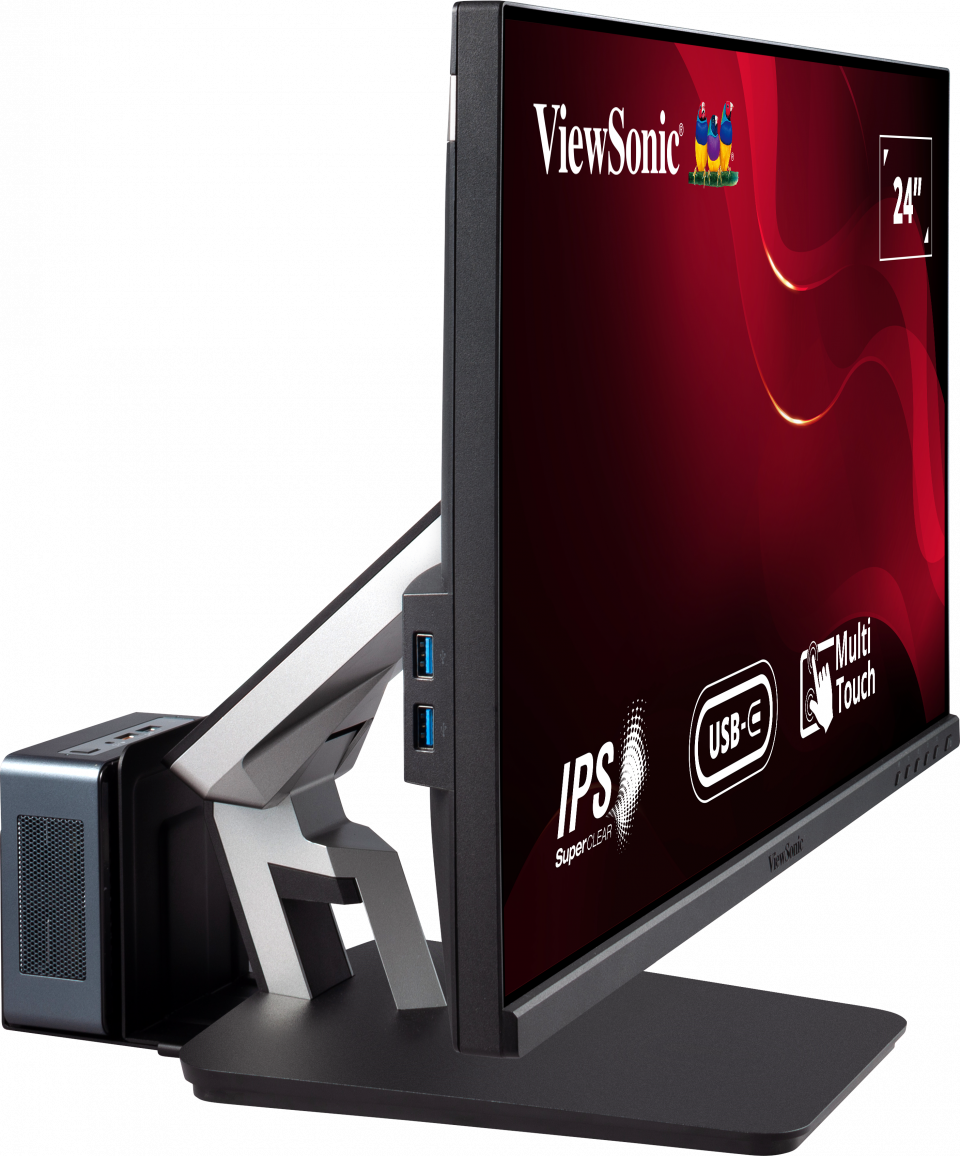
The ergonomic stand features an integrated client mount for quick installation of optional mini PC mount on the back of the display. Cable management features also keep your workspace neat.Optional Mini PC Mount

Touch support with Windows, Android, Chrome, Linux and Raspberry Pi

Extra Features
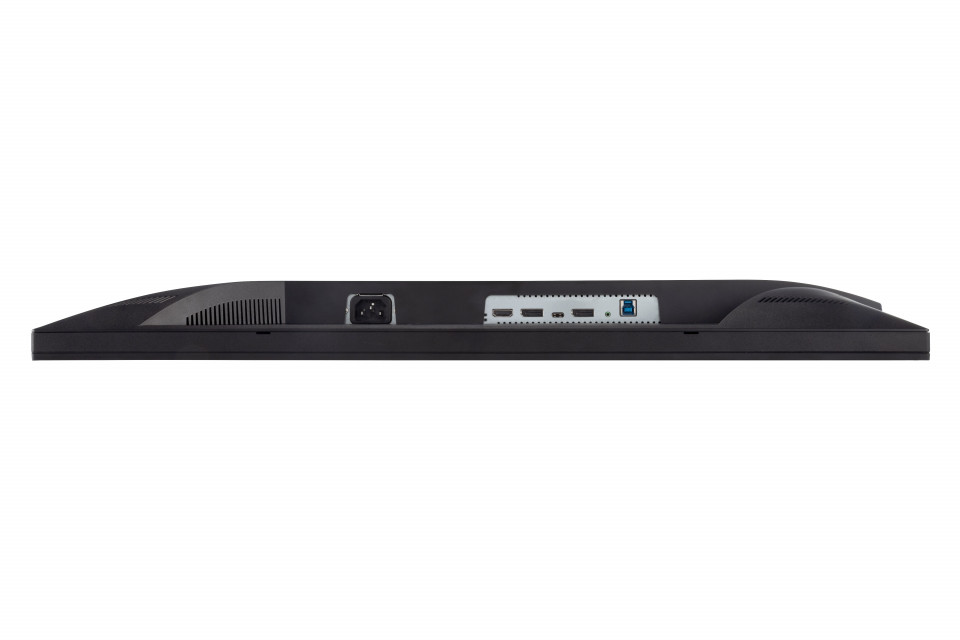
VESA compatibility, low energy consumption with Energy Star, SuperClear® IPS technology, blue light filter, and flicker-freeDimensions & I/O Ports

- Menu Controls
- VESA Compatible
(Wall Mount 100x100mm) - Internal Speakers
- AC IN
- HDMI
- DP IN
- USB Type C
- DP OUT
(Output/MST daisy chain) - Audio Out
- USB up stream
SPECIFICHE
- DisplayDimensione display (in.): 24
Area visualizzabile (in.): 23.8
Tipo pannello: IPS Technology
Risoluzione: 1920 x 1080
Tipo risoluzione: FHD (Full HD)
Contrasto statico: 1,000:1 (typ)
Contrasto dinamico: 50M:1
Tecnologia: LED
Luminosità: 250 cd/m² (typ)
Colors: 16.7M
Color Space Support: 8 bit (6 bit + Hi-FRC)
Rapporto d'aspetto: 16:9
Tempo di risposta (Tipica GTG): 6ms
Tempo di risposta (GTG w/OD): 6ms
Angolo visuale: 178º horizontal, 178º vertical
Durata (ore): 30000 Hrs (Min)
Curvatura: Flat
Refresh Rate (Hz): 60
Low Blue Light: Software solution
Flicker-Free: Yes
Color Gamut: NTSC: 72% size (Typ)
sRGB: 104% size (Typ)
Pixel Size: 0.275 mm (H) x 0.275 mm (V)
Touch Screen: Projected Capacitive, 10-point multi-touch
Trattamento della Superficie: Anti-Glare, Hard Coating (3H) - CompatibilitàRisoluzione PC (max): 1920x1080
Risoluzione Mac® (max): 1920x1080
Sistema operativo: Windows 7/8/8.1/10/11 certified; macOS tested
Risoluzione Mac® (min): 1920x1080 - Connessioni
- AudioSpeakers interni: 2Watts x2
- AlimentazioneEco Mode (Conservativo): 9.7W
Eco Mode (optimized): 12.8W
Consumo energetico (tipico): 17.9W
Consumo energetico (max): 20.4W
Voltaggio: AC 100-240V
Stand-by: 0.3W
Alimentazione: Internal Power Supply - Hardware aggiuntivoBlocco di sicurezza Kensington: 1
- ControlliComandi fisici: Key 1 (eye), Key 2, Key 3, Key 4, Key 5, Key 6 (power)
Comandi On Screen: Input Select, Audio Adjust, ViewMode, Color Adjust, Manual Image Adjust, Setup Menu - Condizioni di funzionamentoTemperatura: 32°F to 104°F (0°C to 40°C)
Umidità (senza condensa): 20% to 90% - Wall Mount Standard VESA: 100 x 100 mm
- Segnale in ingressoFrequenza orizzontale: 15 ~ 82KHz
Frequenza verticale: 50 ~ 75Hz - Entrata VideoDigital Sync: TMDS - HDMI (v1.4), PCI-E - DisplayPort (v1.2), Micro-Packet - Type C
- ErgonomiaRegolazione Inclinazione (avanti / indietro): -5º / 60º
- Peso (imperiale)Peso con supporto (libre): 14.2
Peso senza supporto (libre): 8.2
Peso totale con imballaggio (libre): 18.6 - Weight (metric) Peso con supporto (Kg): 6.4
Peso senza supporto (Kg): 3.7
Peso totale con imballaggio (Kg): 8.4 - Dimensioni (imperiali) (LxPxH)Dimensioni totali con imballaggio (pollici): 24.3 x 16.3 x 11.2
Dimensioni unità senza supporto (pollici): 21.2 x 16.8 x 11.3
Dimensioni unità con supporto (pollici): 21.2 x 12.6 x 2 - Dimensioni (metrico) (LxPxH)Dimensioni totali con imballaggio (mm): 617 x 415 x 285
Dimensioni unità senza supporto (mm): 539 x 426 x 286
Dimensioni unità con supporto (mm): 539 x 320 x 52 - GeneraleCertificazioni: cTUVus, FCC-B, ICES003, Energy Star, EPEAT, CEC, MX-CoC, Mexico Energy, CE, CE EMC, CB, RoHS, ErP, REACH, WEEE, EAC, UkrSEPRO, RCM, GEMS, KC, K-MEPS, BIS
Contenuto della confezione: TD2455 x1, 3-pin Plug (IEC C13 / CEE22) x1, DisplayPort Cable (v1.2; Male-Male) x1, USB A/B Cable (v3.2; Male-Male) x1, Quick Start Guide x1, Passive touch pen x1, Passive touch pen head x1
Riciclaggio/Smaltimento: Please dispose of in accordance with local, state or federal laws.
Garanzia: *Warranty offered may differ from market to market
Power Management: Energy Star standards, EPEAT
SUPPORTO E DOWNLOAD
Datasheets
Guide utente
TD2455 User Guide (Italiano)
Vedi tutte le lingue
TD2455 User Guide (Bahasa Indonesia)TD2455 User Guide (Dansk)TD2455 User Guide (Deutsch)TD2455 User Guide (English)TD2455 User Guide (Español )TD2455 User Guide (Français)TD2455 User Guide (Hrvatski)TD2455 User Guide (Magyar)TD2455 User Guide (Nederlands)TD2455 User Guide (Norsk)TD2455 User Guide (Polski)TD2455 User Guide (Português)TD2455 User Guide (Română)TD2455 User Guide (Srpski)TD2455 User Guide (Suomi)TD2455 User Guide (Svenska)TD2455 User Guide (Türkçe)TD2455 User Guide (Česky)TD2455 User Guide (Ελληνικά)TD2455 User Guide (Български)TD2455 User Guide (Русский)TD2455 User Guide (Українська)TD2455 User Guide (日本語)TD2455 User Guide (简体中文)TD2455 User Guide (繁體中文)TD2455 User Guide (한국어)TD2455 User Guide (ﺍﻟﻌﺭﺑﻳﺔ)
Driver & Software
Standard Monitor Driver Signed Windows 10 x64Standard Monitor Driver Signed Windows 10 x86Standard Monitor Driver Signed Windows 7Standard Monitor Driver Signed Windows 7 x64Standard Monitor Driver Signed Windows 8 x64Standard Monitor Driver Signed Windows 8 x86Standard Monitor Driver Unsigned WindowsStandard Monitor Driver Unsigned Windows x64Standard_Monitor_Driver_Signed_Win11_x64vTouch Software for macOS