The Universal Colour Language
The VP3481 covers 100% of the sRGB colour gamut to produce rich and vibrant colour. Working in the industry standard sRGB colour space ensures that the colour in your projects stays perfectly aligned across devices and on the web.100% sRGB

Colorbration+ Long-term Color Consistency
ViewSonic’s Colorbration+ offers hardware calibration that aligns communication between the graphics card and the monitor to ensure long-term consistency and accurate colors on ViewSonic ColorPro monitors.
*Supported calibrators:
‧ ccDISPLAY PRO / X-Rite i1 Display Pro
‧ ccSTUDIO / i1 Studio / X-Rite i1 Studio
‧ X-Rite i1 Pro 2
‧ Datacolor Spyder X Series
‧ Datacolor Spyder 5 (Windows only)
‧ ccDISPLAY PRO / X-Rite i1 Display Pro
‧ ccSTUDIO / i1 Studio / X-Rite i1 Studio
‧ X-Rite i1 Pro 2
‧ Datacolor Spyder X Series
‧ Datacolor Spyder 5 (Windows only)
Please install the Colorbration+ software before activating the calibration function.
Hardware calibration

Flawless Colour Reproduction
With Delta E<2 colour accuracy, the VP3481 delivers stunningly accurate colour reproduction that is nearly indistinguishable from real life colour for consistently brilliant photos every time.Delta E<2

Balanced Uniformity
ViewSonic’s uniformity correction balances luminance performance on the VP3481 with calculated precision, improving delta luminance variance to < 5% for more consistent brightness from edge to edge.Delta Lv

All-encompassing Curve
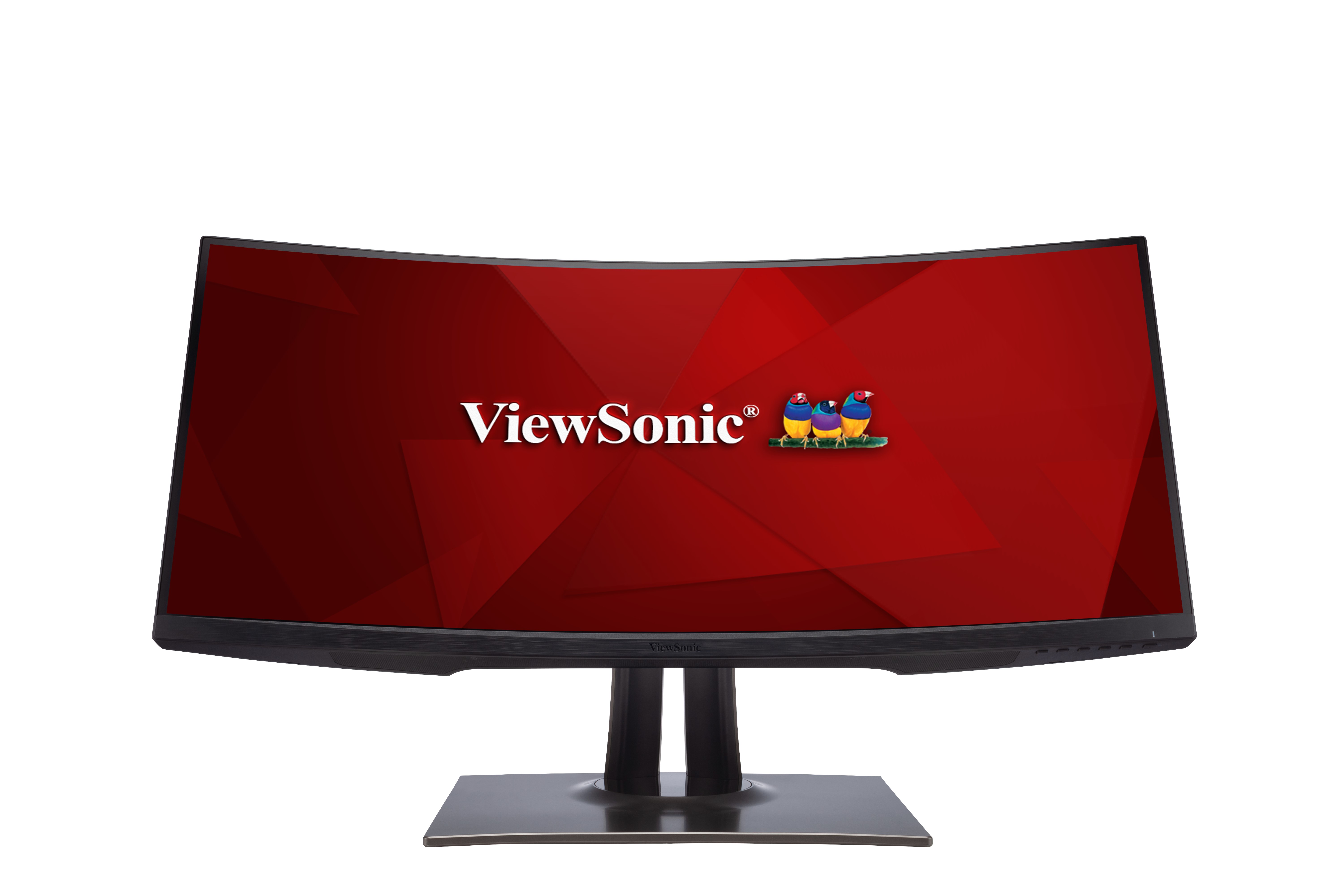
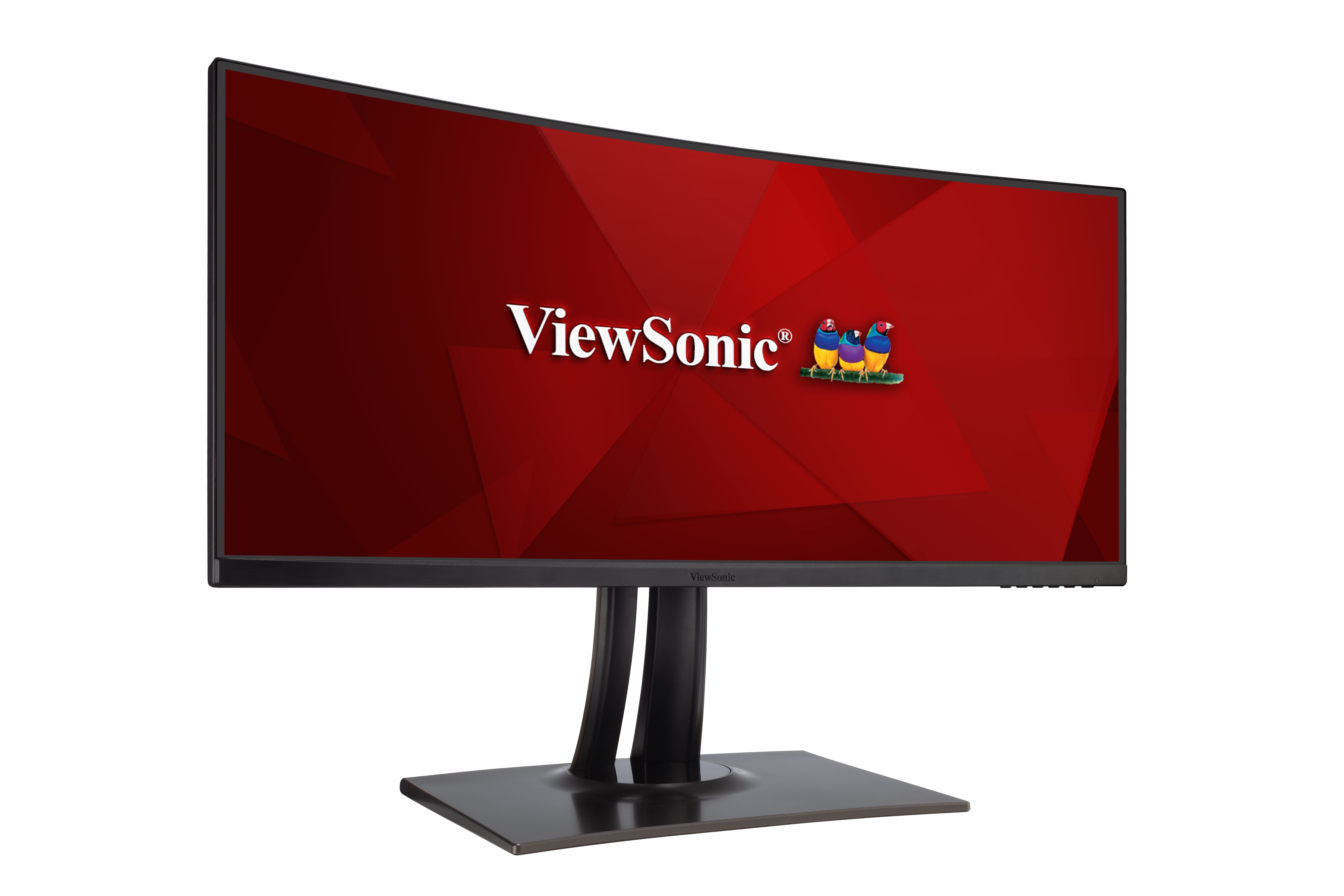
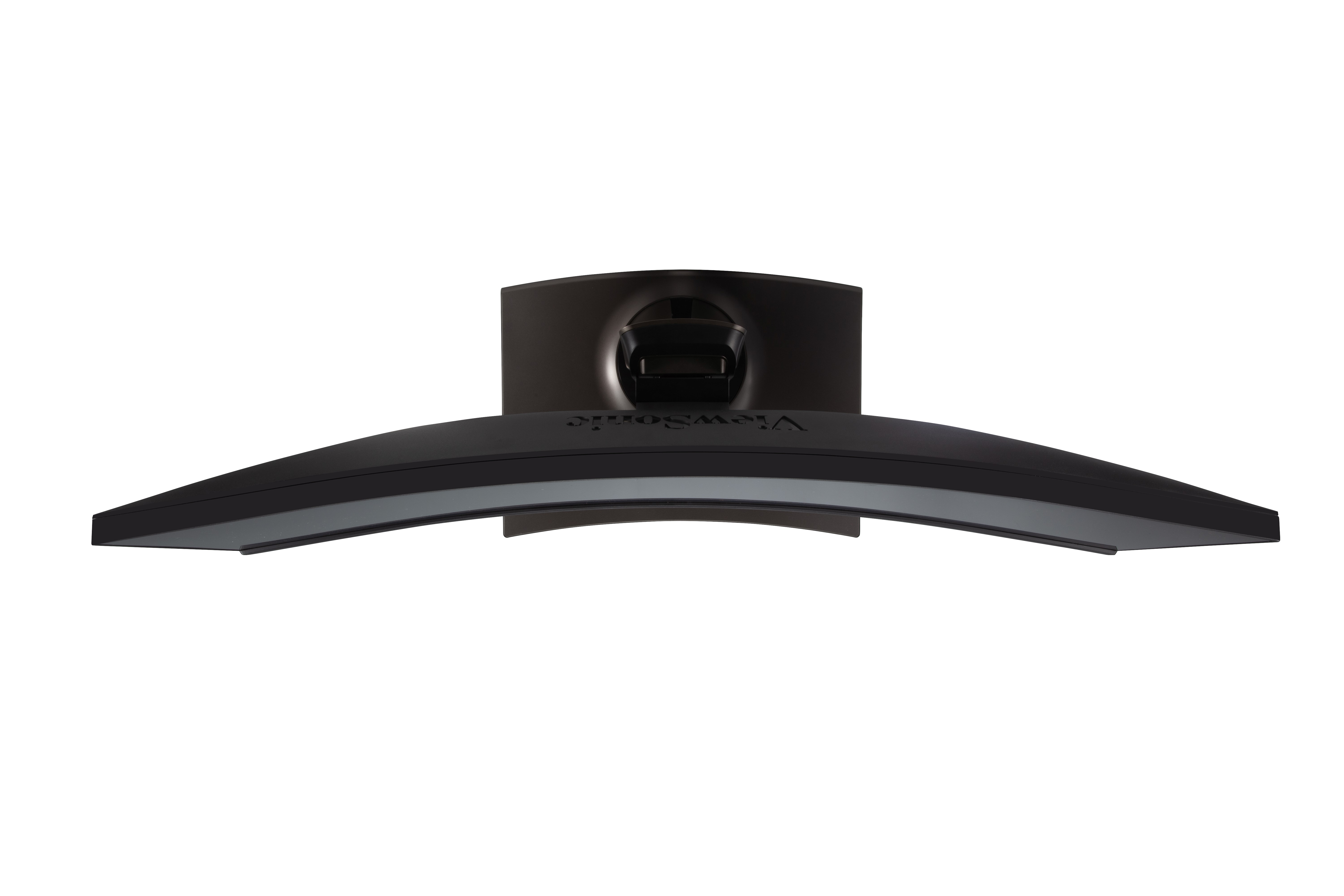
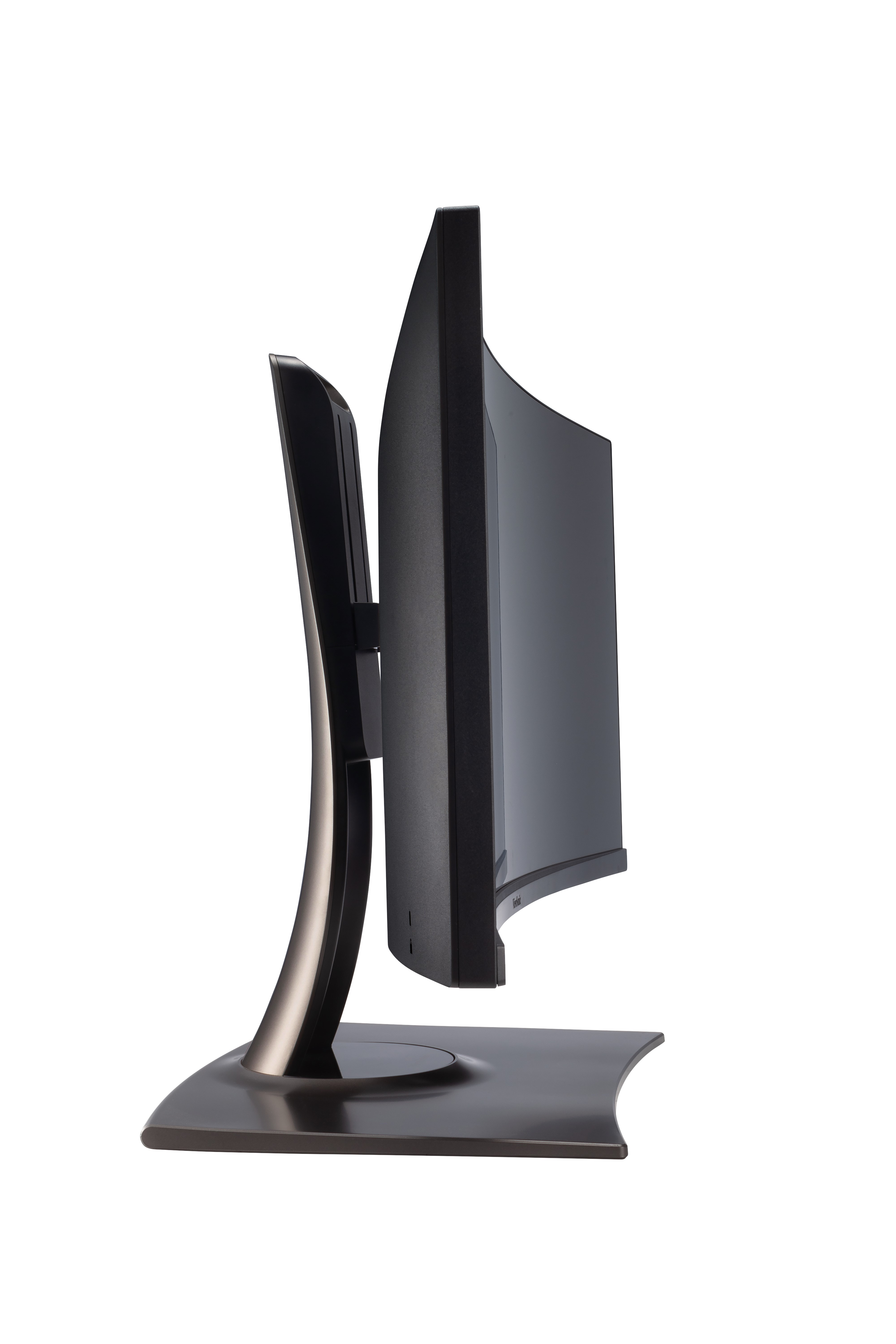
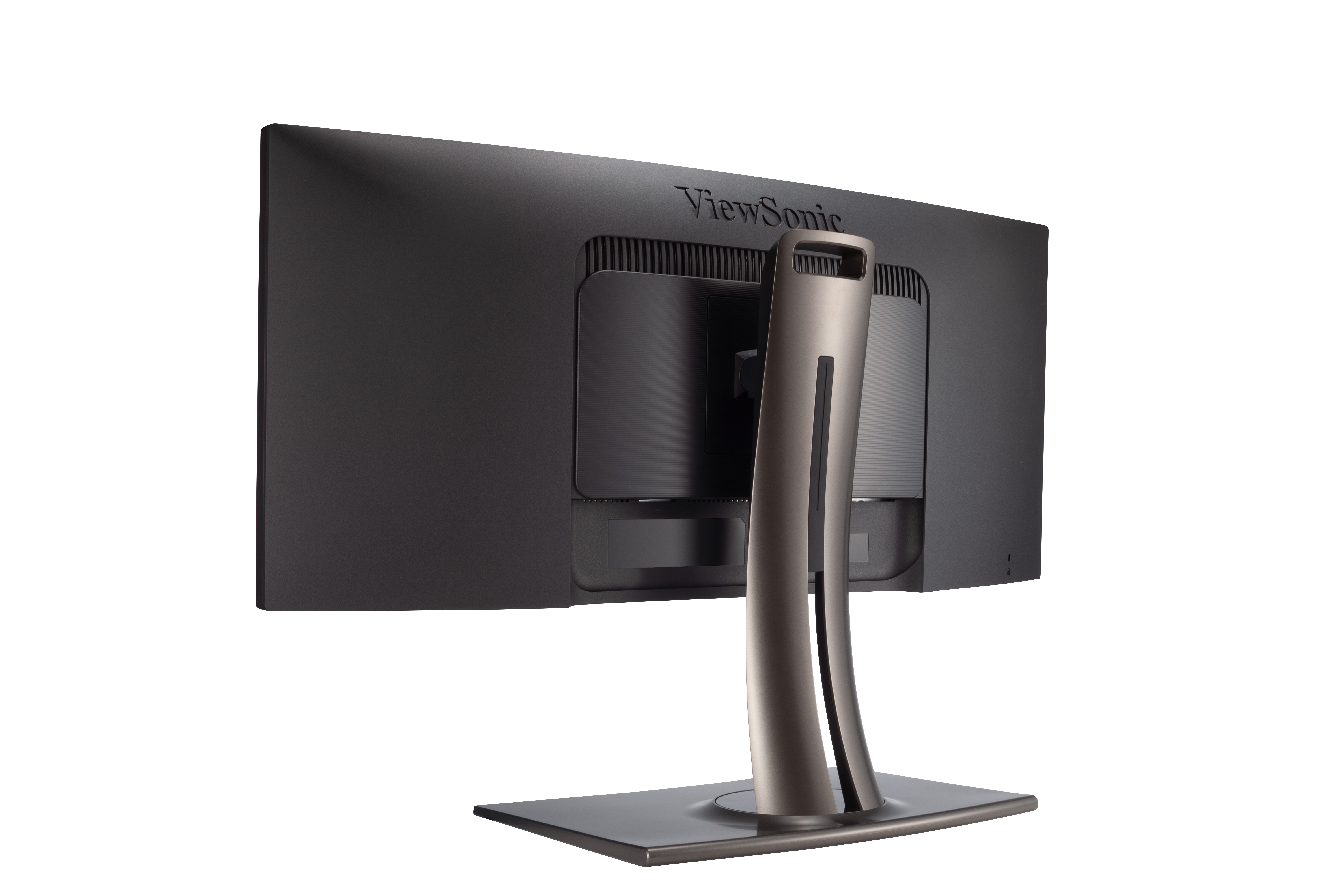
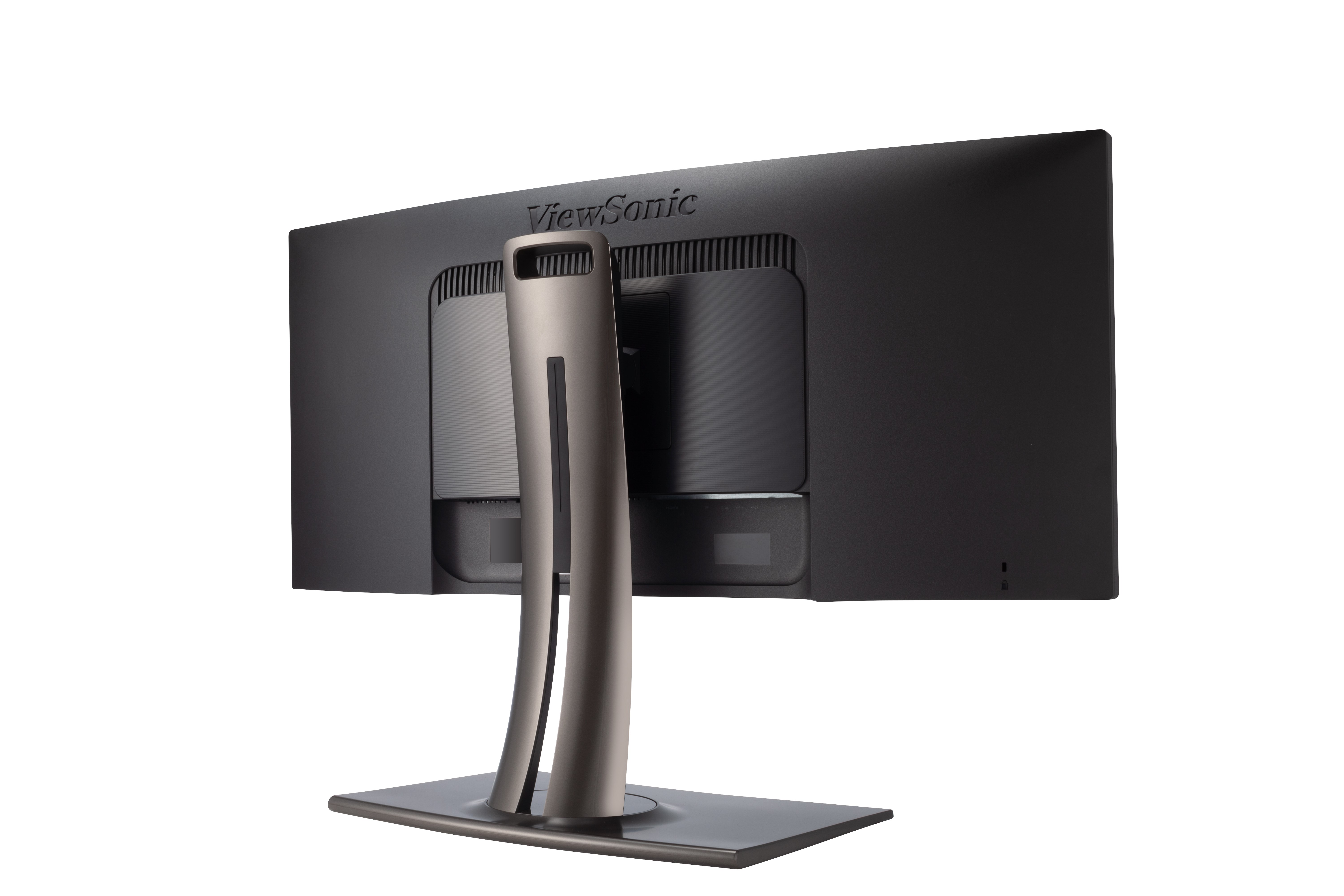
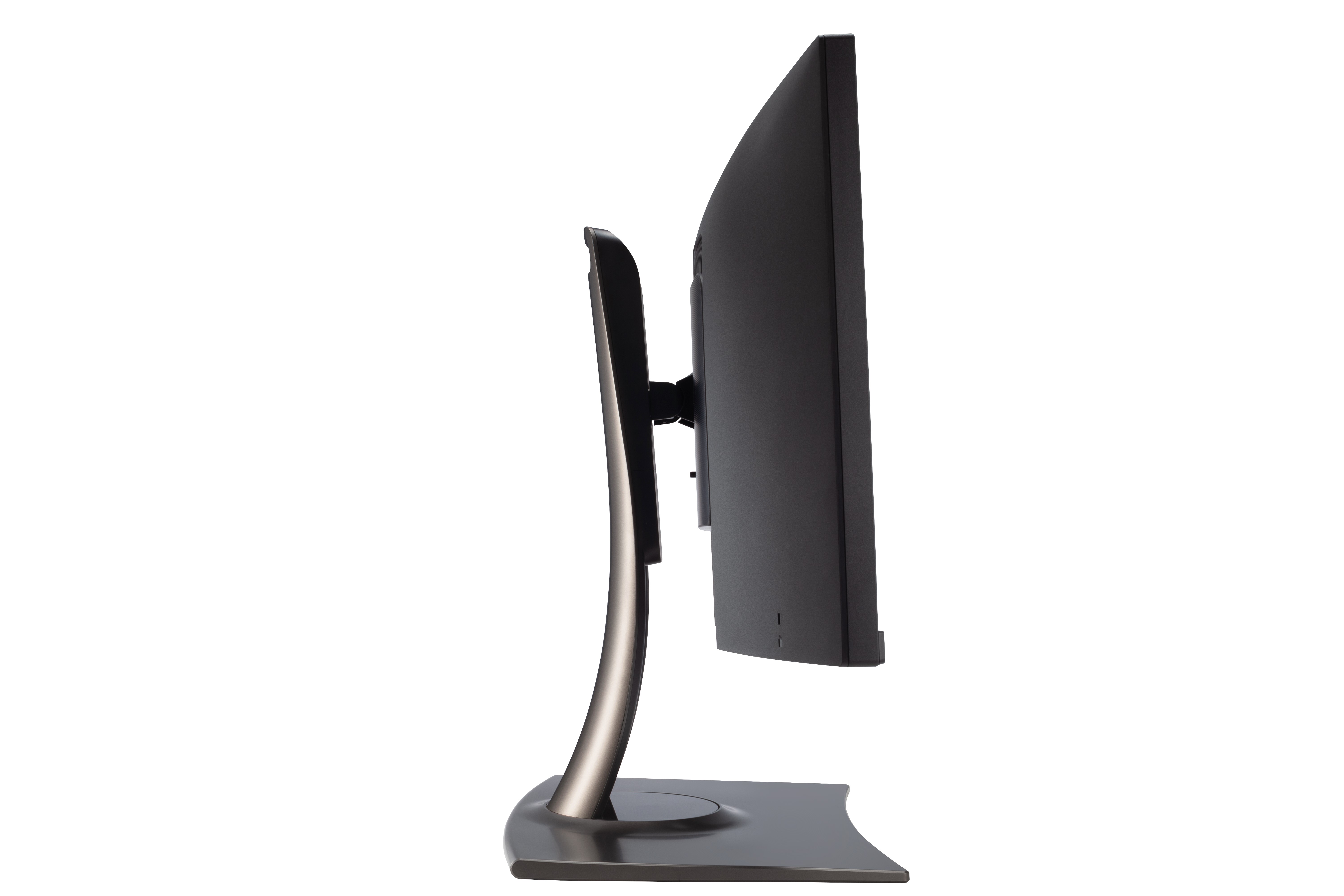
The extra screen real estate provided by the VP3481’s ultra-wide panel is ideal for video editing and viewing while an 1800R curve provides peripheral immersion.1800R

Sweeping Visuals
With a 34” WQHD 3440 x 1440 resolution panel, the VP3481 takes stunning detail and extends it horizontally. 21:9 is the standard aspect ratio for cinematic video, meaning that videos can be played in full screen, free from letterboxing.Ultra-wide 21:9

Flexible Positioning
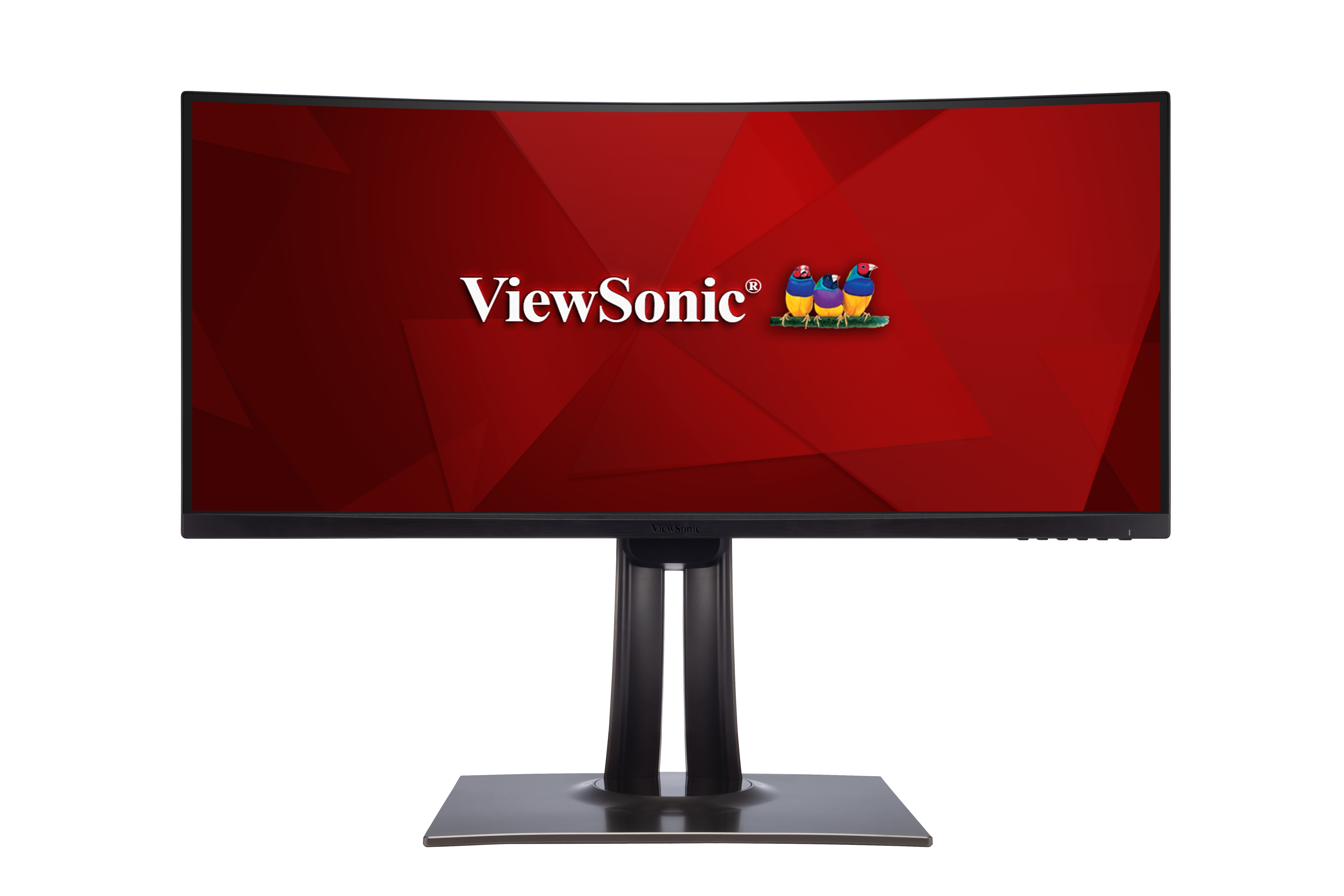
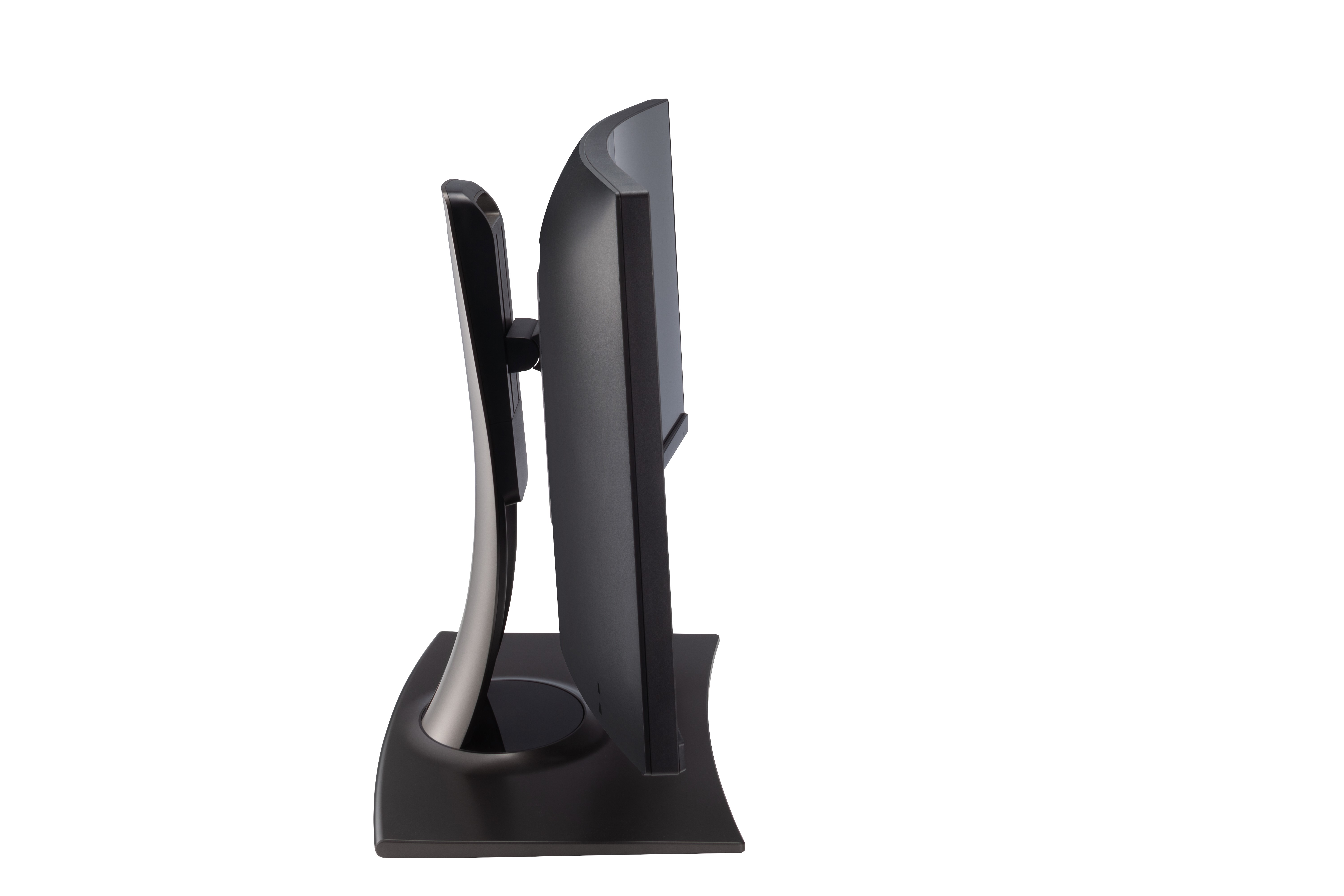
Find the most comfortable position with a full range of options including swivel, tilt, and height adjustments.Swivel
Tilt
Height Adjustment

Vivid Video Detail
HDR10 (High Dynamic Range) content brings out maximum detail in both the brighter and darker parts of an image for enhanced colour and contrast ratios, and a better overall viewing experience.HDR10

Efficient Multitasking
Multitasking is a breeze with an ultra-wide screen, streamlining project management and simplifying the workplace for users that are used to a dual monitor setup.Ultra-wide Screen

Seamless Workflow Management
Industry-leading Keyboard, Video, Mouse (KVM) Switch technology with USB 3.1 Type-C allows users to control devices that are connected to the VP3481 from a single keyboard and mouse. USB 3.1 Type-C provides Windows and Mac OS system users with user-friendly management of power charging, large-quantity data transmission, and video display.USB Type-C
KVM Switch
Power Charging

Smooth Visuals
Enjoy tear-free images and smooth, fluid videos with built-in FreeSync technology.FreeSync

Fine-Tuned Audio
The VP3481 comes equipped with Sonic Mode to offer three levels of specialised audio enjoyment, including Standard, Music, and Theater, allowing you to select the perfect sound to fit your needs.Sonic Mode

Future-Proof Connectivity
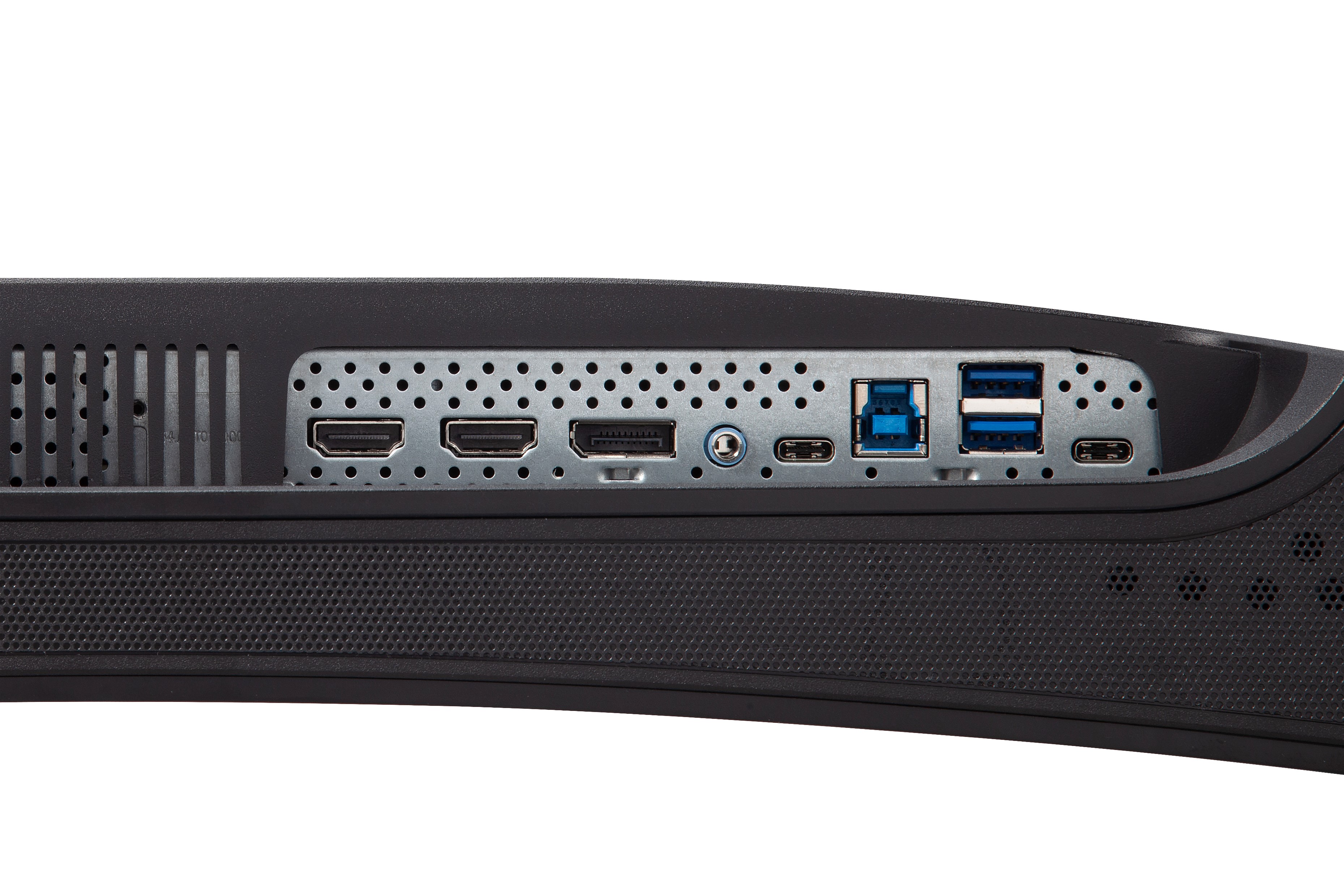
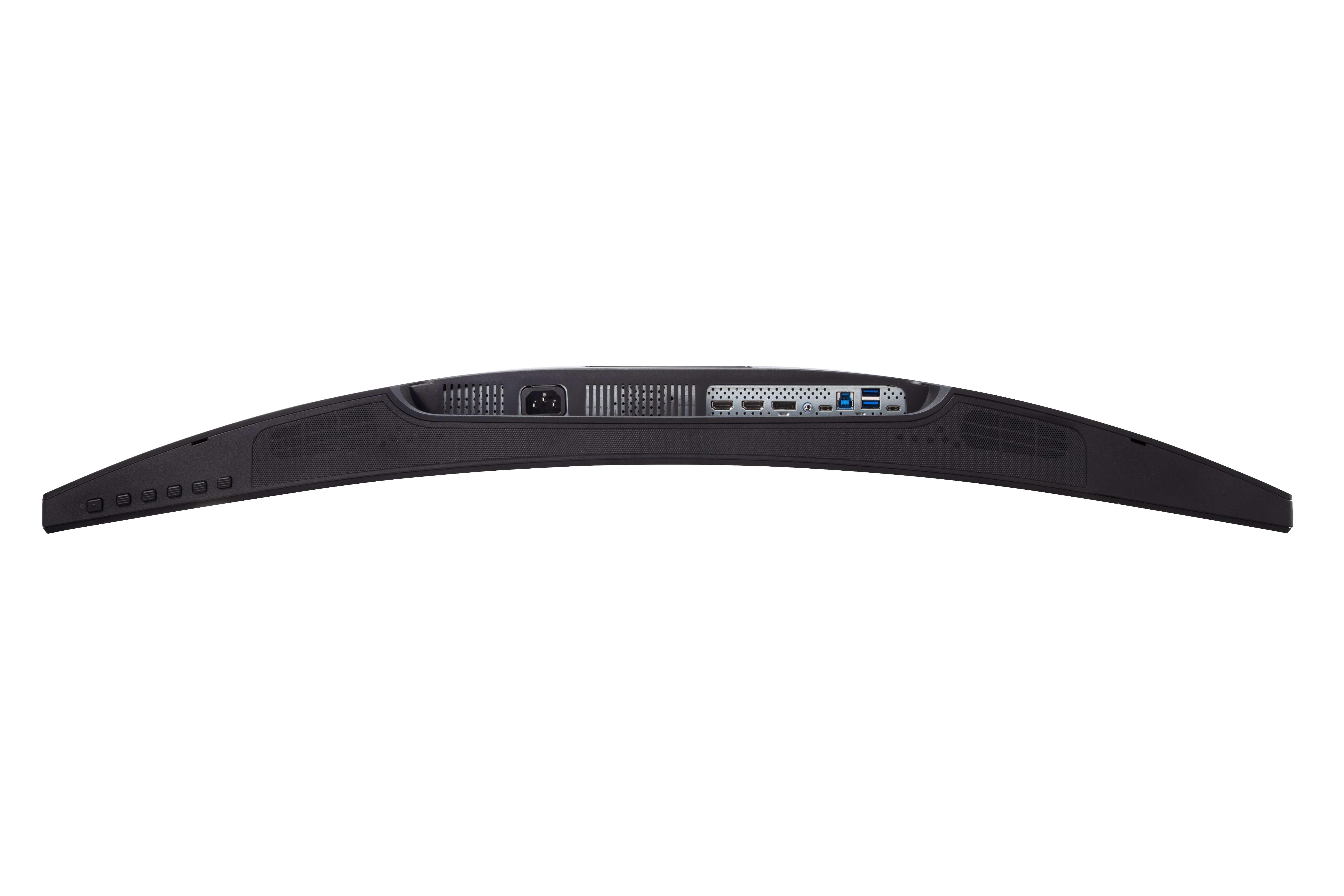
USB Type-C, DisplayPort, and HDMI inputs offer more flexibility for connecting the VP3481 with other devices. In addition, the VP3481 comes with future-proof HDCP2.2 (High-Bandwidth Digital Content Protection) content protection to prevent digital image and audio resources from being infringed upon or copied, and ensuring compatibility with future 4K content.HDMI
DisplayPort
USB 3.1 Type-C

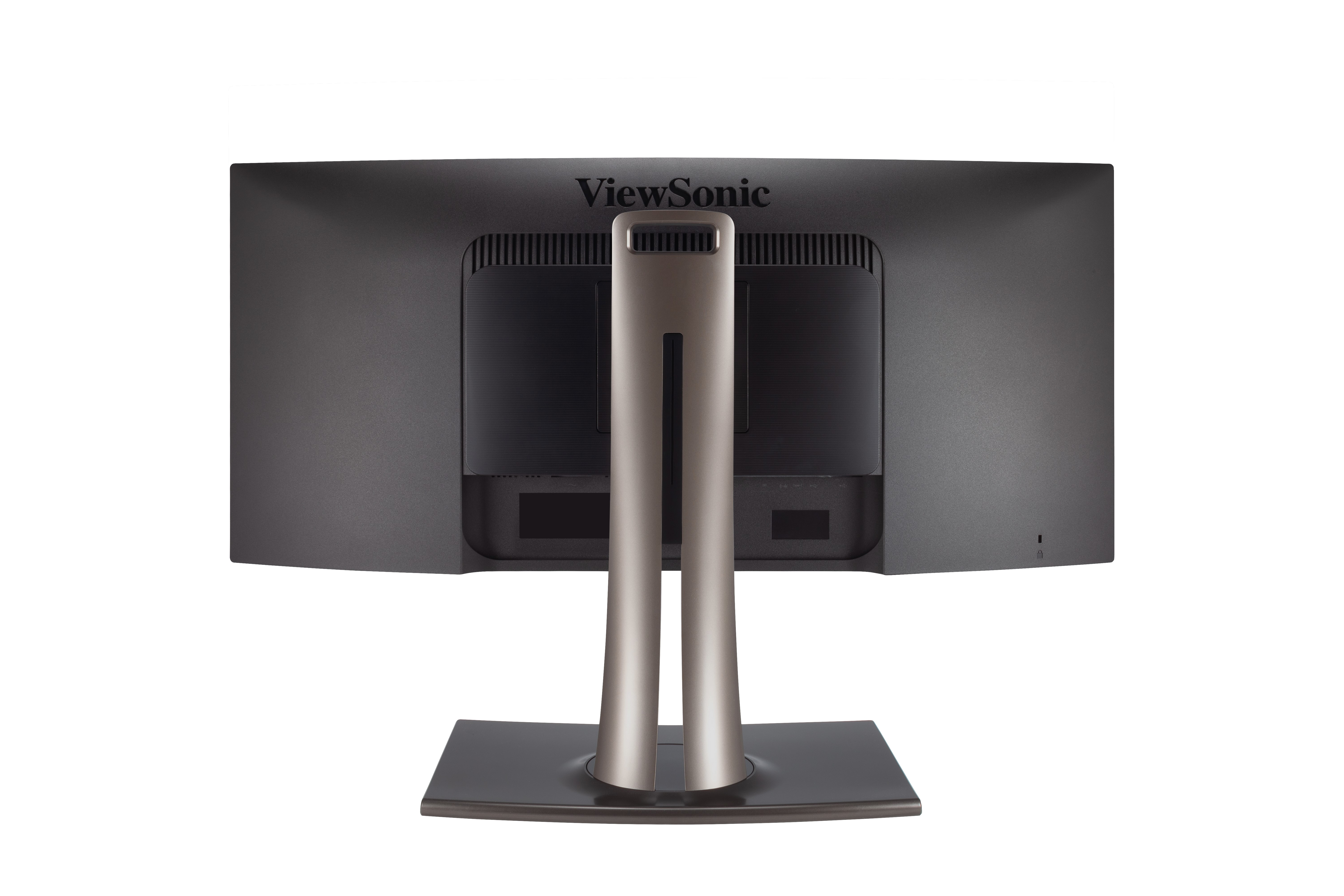
- VESA Compatible(Wall mount 100x 100mm)
- Menu Controls
- AC In
- HDMI x 2
- DisplayPort
- Audio Out
- USB 3.1 Type-C
- USB Up Stream
- USB Down Stream
- USB 3.1 Type-C
- Kensington Lock Slot
Flawless Colour Out of the Box
Every VP3481 is pre-calibrated at the factory and comes with its own colour calibration report. Each report gives you a reading of your panel’s sRGB, EBU, SMPTE-C, REC709, and uniformity, giving you 10 additional item readings than a typical colour report. In addition, time spent fine-tuning VP series monitors before they are ready to be used is four times more than competing brands, bringing our users the highest quality colour calibration possible.Colour Calibration Report

GALERIA PRODUKTÓW
DANE TECHNICZNE
- WyświetlaczRozmiar wyświetlacza (cale): 34
Widoczny obszar ( cale): 34
Typ panelu: VA Technology
Rozdzielczość: 3440 x 1440
Typ rozdzielczości: UWQHD (UltraWide QHD)
Współczynnik kontrastu statycznego: 3,000:1 (typ)
Dynamiczny kontrast: 20M:1
Źródło Światła: LED
Jasność: 400 cd/m² (typ)
Colors: 16.7M
Color Space Support: 8 bit true
Proporcje obrazu: 21:9
Czas reakcji (typowy GTG): 5ms
- Czas reakcji (GTG z OD): 5ms
Kąty widzenia: 178º horizontal, 178º vertical
Żywotność podświetlenia (godziny): 30000 Hrs (Min)
Zakrzywienie: 1800R
Częstotliwość odświeżania (Hz): 100
Technologia zmiennego odświeżania obrazu: Yes
Filtr światła niebieskiego: Input Select, Audio Adjust, ViewMode, Color Adjust, Manual Image Adjust, Setup Menu
Flicker-Free: HDR10
Color Gamut: Adobe RGB: 89% size / 83% coverage (Typ)
DCI-P3: 88% size / 88% coverage (Typ)
EBU: 119% size / 100% coverage (Typ)
REC709: 120% size / 100% coverage (Typ)
SMPTE-C: 130% size / 100% coverage (Typ)
NTSC: 85% size (Typ)
sRGB: 120% size / 100% coverage (Typ)
Rozmiar piksela: 0.232 mm (H) x 0.232 mm (V)
Obróbka powierzchni: Anti-Glare, Hard Coating (3H) - KompatybilnośćRozdzielczość PC (maksymalna): 3440x1440
Rozdzielczość Mac® (maks.): 3440x1440
System operacyjny PC: 48~100Hz
Rozdzielczość Mac® (min.): 3440x1440 - Złącze
- DźwiękWewnętrzne głośniki: 5Watts x2
- MocTryb oszczędzania energii (oszczędny): 62.6W
Eco Mode (optimized): 74.5W
Typowe zużycie energii: 79.5W
Maksymalne zużycie energii: 139 full loadingW
Napięcie: Internal Power Supply AC
Tryb czuwania: 53.5W
źródło zasilania: 14 - Elementy sterującePrzyciski: 70000
Wyświetlanie na ekranie: Key 1, Key 2, Key 3, Key 4, Key 5, Key 6 (power) - Warunki pracyTemperatura: 32°F to 104°F (0°C to 40°C)
Wilgotność powietrza (bez kondensacji): 20% to 90% - Wall Mount Zgodność ze standardem VESA: 130, VESA Compatible mm
- Sygnał wejściowyCzęstotliwość pozioma: 15 ~ 135KHz
Częstotliwość pionowa: 24 ~ 100Hz - Wejście wideoSynchronizacja cyfrowa: PCI-E - DisplayPort (v1.4), TMDS - HDMI (v2.0), Micro-Packet - Type C
- ErgonomiaObrót: 21º
Przechylenie (do przodu / do tyłu): Mattº / -6º
Obrót (w prawo/w lewo): 0º / 60º - Waga (imperialna)Waga netto (lbs): 26.7
Waga netto bez stojaka (lbs): 16.2
Brutto (funty): 37.9 - Weight (metric) Waga netto (kg): 12.1
Waga netto bez stojaka (kg): 7.4
Brutto (kg): 17.2 - Wymiary (cale) (szer. x wys. x gł.)Opakowanie (cale): 38 x 23.2 x 14.6
Wymiary fizyczne (cale): 31.9 x 18.91~24.03 x 11.8
Wymiary fizyczne bez stojaka (cale): 31.9 x 14.4 x 4.1 - Wymiary (metryczka) (szer. x wys. x gł.)Opakowanie (mm): 965 x 590 x 370
Wymiary fizyczne (mm): 809 x 480.46~610.46 x 299
Wymiary fizyczne bez stojaka (mm): 809 x 366 x 105 - Informacje ogólneRegulamin: cTUVus, FCC-B, ICES003, CEC, MX-CoC, Mexico Energy, REACH, WEEE, RCM
Zawartość opakowania: VP3481 x1, 3-pin Plug (IEC C13 / CEE22) x1, DisplayPort Cable (v1.2; Male-Male) x1, HDMI Cable (v2.0; Male-Male) x1, USB Type-C Cable (Male-Male) x1, USB A/B Cable (v3.2; Male-Male) x1, Audio Cable (Male-Male) x1, Quick Start Guide x1
Recykling/Utylizacja: Please dispose of in accordance with local, state or federal laws.
Gwarancja: *Warranty offered may differ from market to market
Zarządzanie zasilaniem: Energy Star standards, EPEAT
WSPARCIE I PLIKI DO POBRANIA
Arkusze danych
Instrukcje obsługi
VP3481 User Guide (English)
VP3481 User Guide (Online View)
Zobacz wszystkie języki
VP3481 User Guide (Bahasa Indonesia)VP3481 User Guide (Dansk)VP3481 User Guide (Deutsch)VP3481 User Guide (Español )VP3481 User Guide (Français)VP3481 User Guide (Hrvatski)VP3481 User Guide (Italiano)VP3481 User Guide (Magyar)VP3481 User Guide (Nederlands)VP3481 User Guide (Norsk)VP3481 User Guide (Polski)VP3481 User Guide (Português)VP3481 User Guide (Română)VP3481 User Guide (Srpski)VP3481 User Guide (Suomi)VP3481 User Guide (Svenska)VP3481 User Guide (Türkçe)VP3481 User Guide (Česky)VP3481 User Guide (Ελληνικά)VP3481 User Guide (Български)VP3481 User Guide (Русский)VP3481 User Guide (Українська)VP3481 User Guide (简体中文)VP3481 User Guide (繁體中文)VP3481 User Guide (한국어)VP3481 User Guide (ﺍﻟﻌﺭﺑﻳﺔ)
Sterowniki i oprogramowanie
Colorbration+ User Guide (English)Colorbration+(Mac) downloadColorbration+(Win) downloadStandard Monitor Driver Signed Windows 10 x64Standard Monitor Driver Signed Windows 10 x86Standard Monitor Driver Signed Windows 7Standard Monitor Driver Signed Windows 7 x64Standard Monitor Driver Signed Windows 8 x64Standard Monitor Driver Signed Windows 8 x86Standard Monitor Driver Unsigned WindowsStandard Monitor Driver Unsigned Windows x64vDisplay Manager 2.0 (Mac) DownloadvDisplay Manager User Guide (English)vDisplay Manager2.0 (Win) Download