“Màn hình Ultrawide hướng tới người dùng kinh doanh”
قريبا
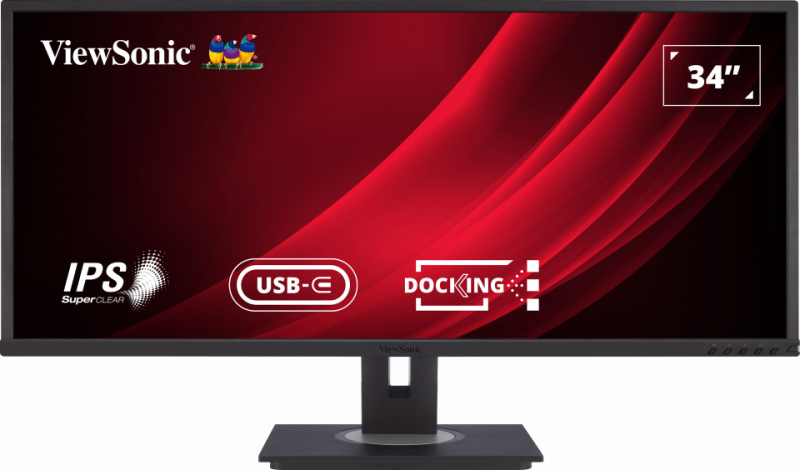
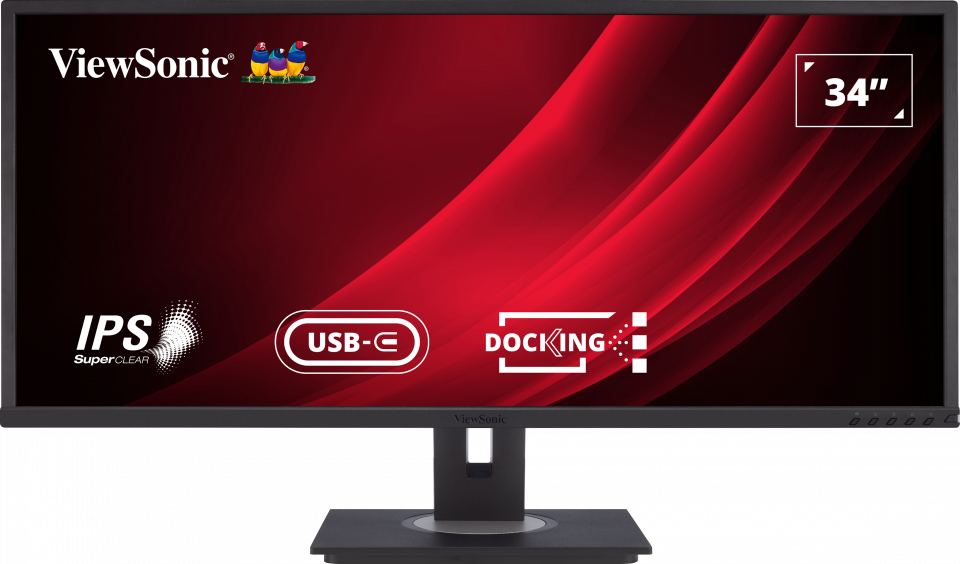
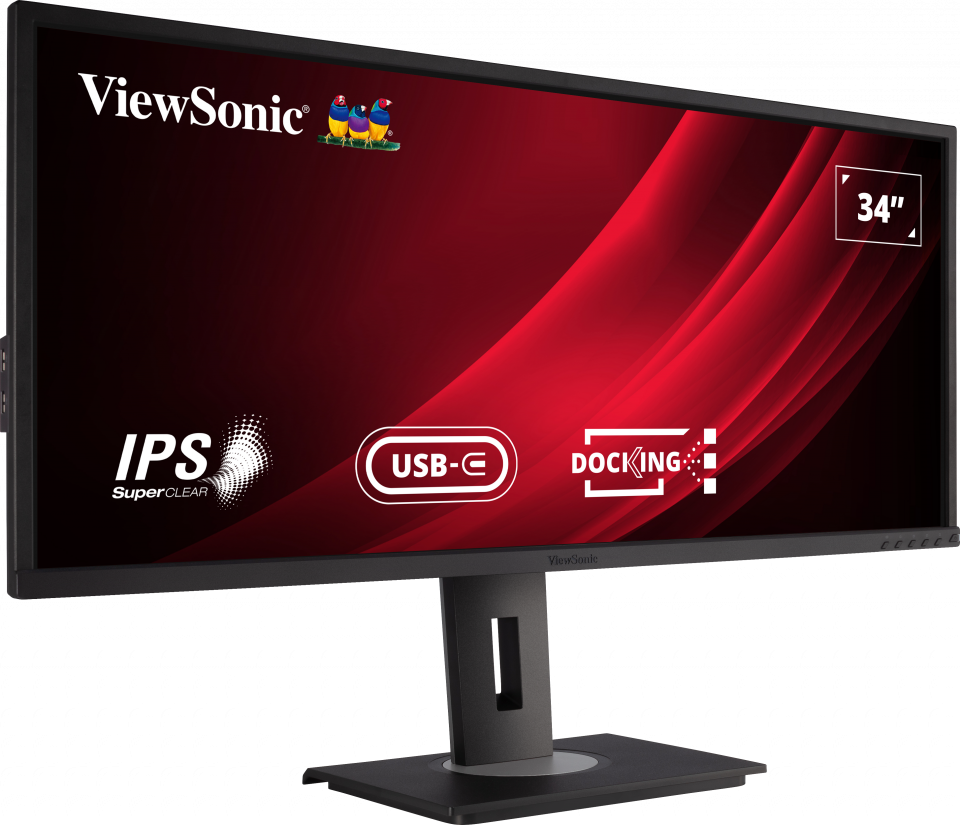
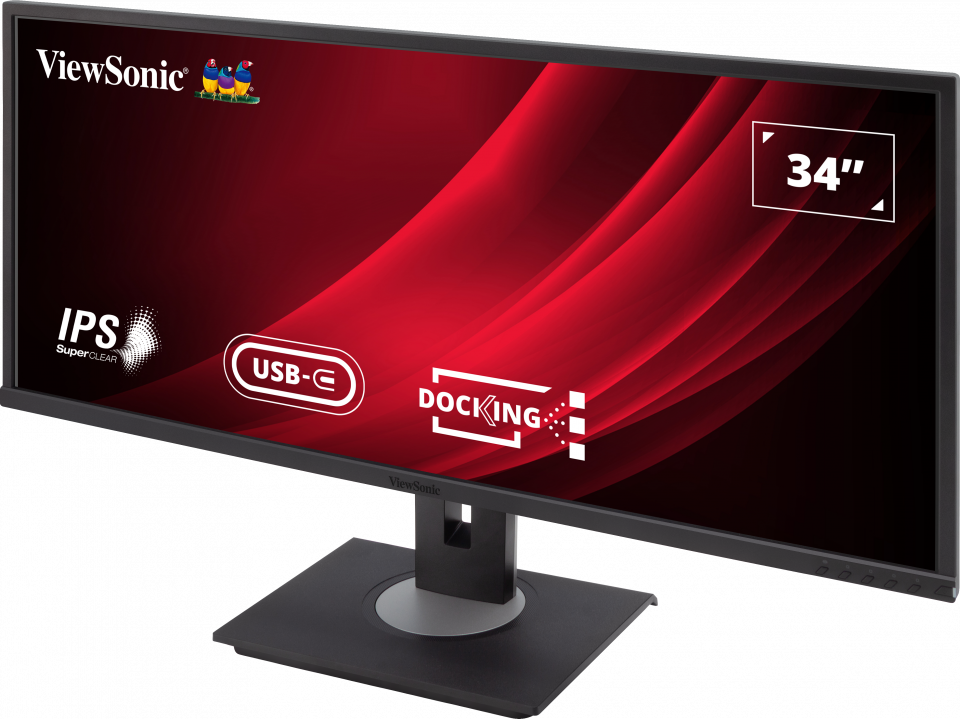
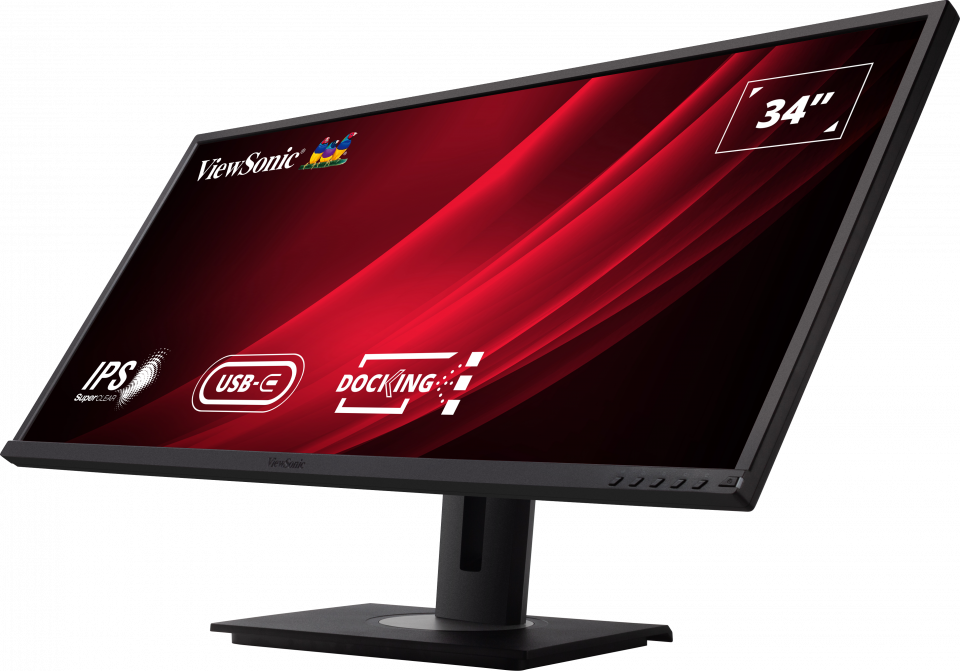
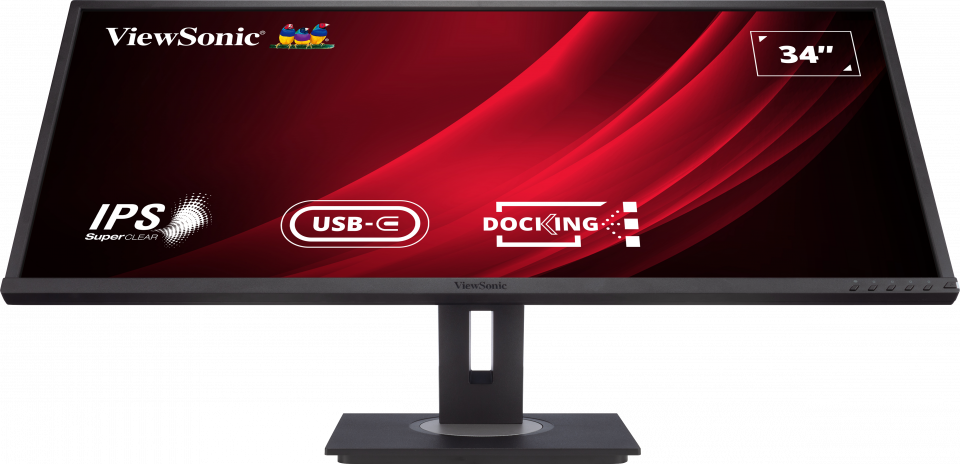
VG3456
34” WQHD Docking Monitor
- WQHD for incredible visuals
- Integrated USB TypeC and Ethernet
- Ergonomic flexibility with quick release stand
- vDisplay Manager software for multitasking
- Lower total cost of ownership
نظرة عامة
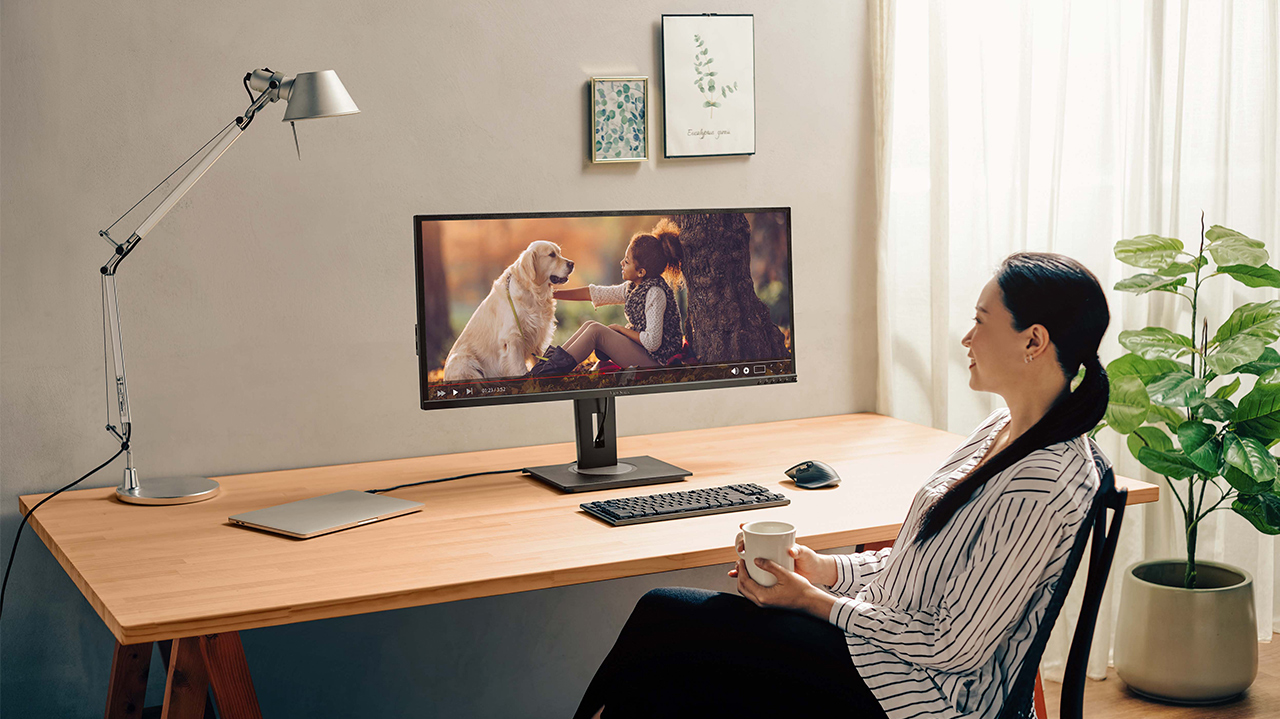
The ViewSonic VG56 docking monitor series will keep the workstation tidy and productive with USB Type-C and Ethernet connectivity that turn your monitor into a hub for charging, data, network, and devices, while reducing clutter on your desk and simplifying cable management. With a 34” WQHD display that delivers larger and stunning visuals, the VG3456 monitor expands your productivity, especially if you work in graphic design or software engineering. A range of ergonomic features such as 40-degree tilt, swivel, and height adjustment, along with eye-care technology let you stay comfortable at work all day. In addition, the supported vDisplay Manager software for multi-tasking provides efficient on-screen display control. The monitor and quick release stand ship in an eco-friendly, biodegradable package, thus minimizing total cost of ownership.Integrated Docking Station
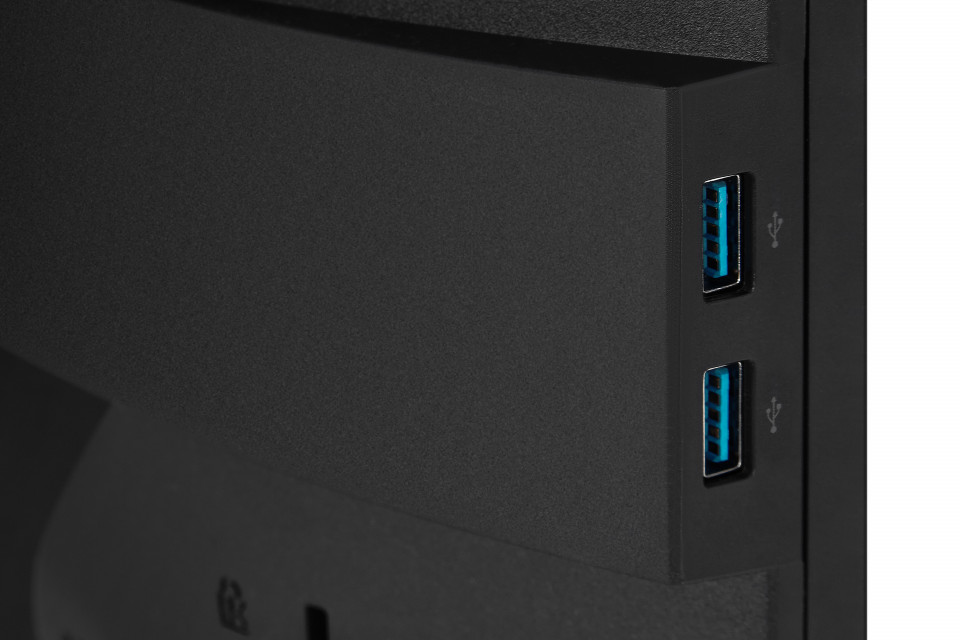
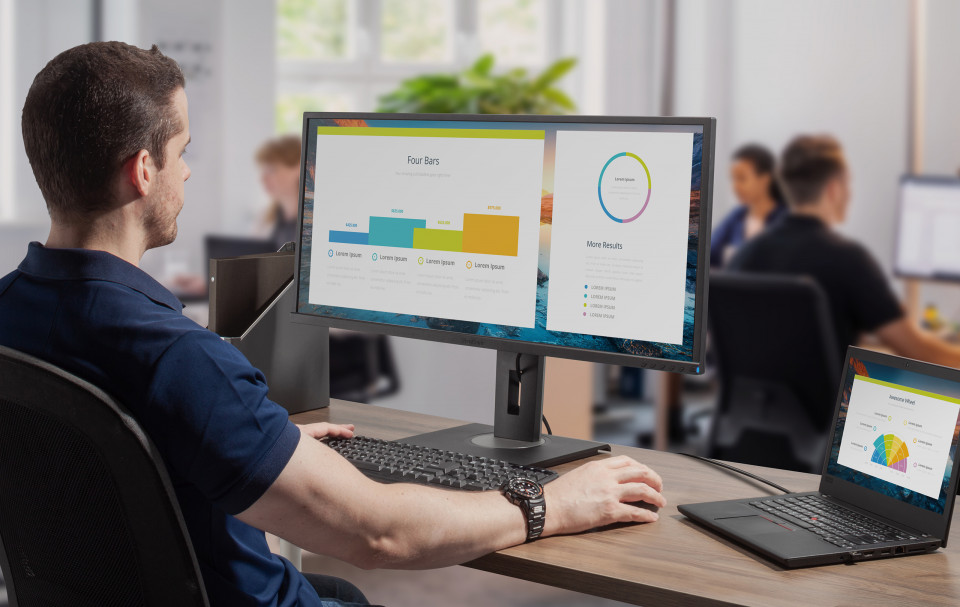
With advanced connectivity options including RJ45 and USB Type-C, this monitor can charge your laptop up to 90W, provide internet, transfer data, audio and video while connecting your laptop to multiple monitors and various peripherals such as printers, scanners and external hard drives.USB Type-C, Ethernet
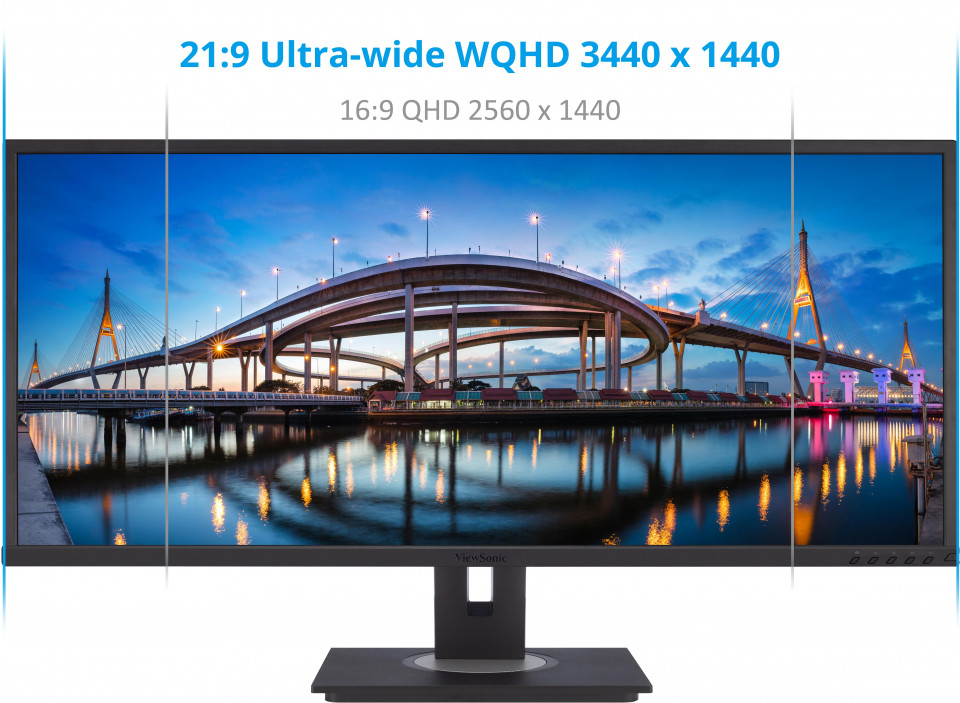
Stunning WQHD Resolution on a 21:9 Ultra-wide Screen
More detailed images and enhanced resolution makes multitasking more enjoyable and efficient. Featuring WQHD 3440 x 1440 resolution, which provides the equivalent of 35% more screen space than a Full HD monitor of the same size. In addition, an ultra-wide 21:9 aspect ratio makes games and movies more immersive than ever.WQHD 3440 x 1440, Ultra-wide 21:9
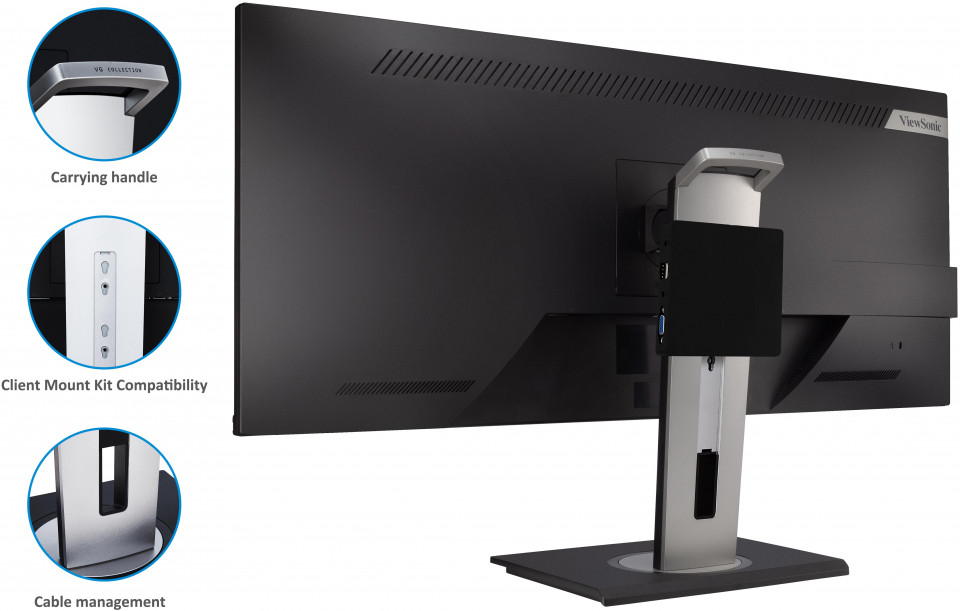
Free of Cable Clutter
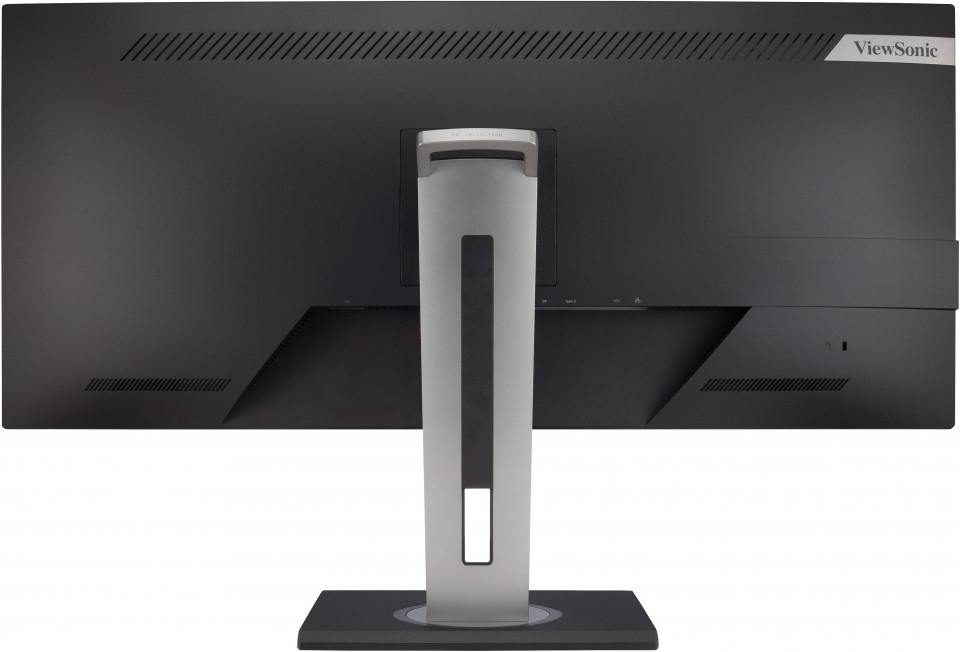
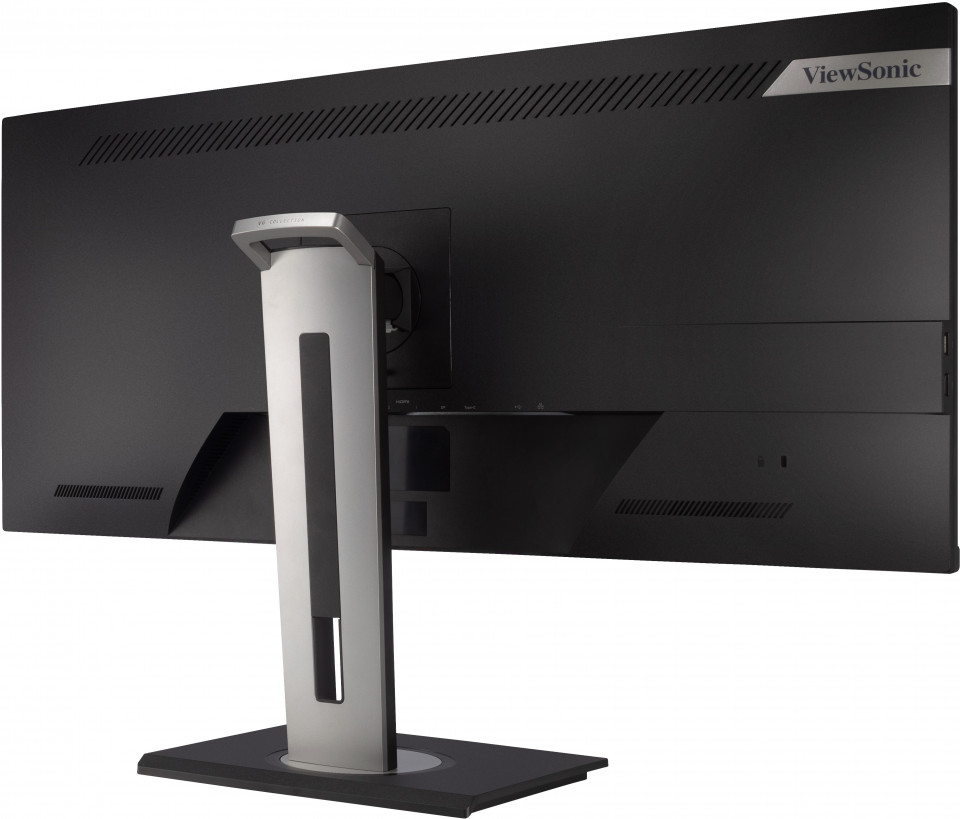
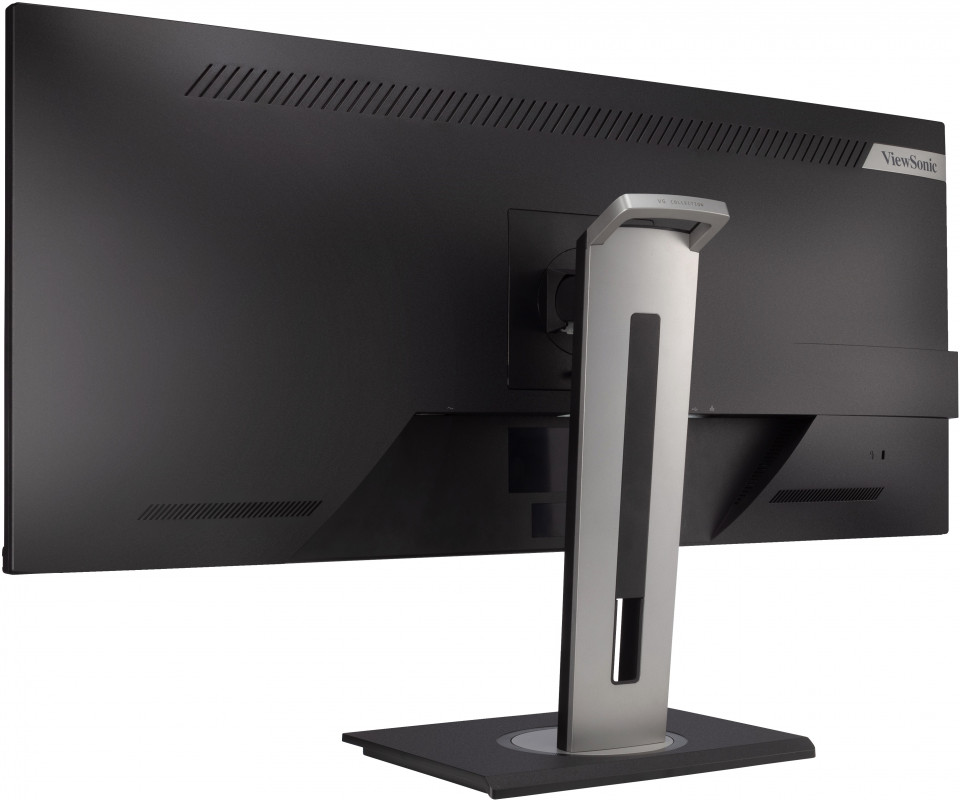
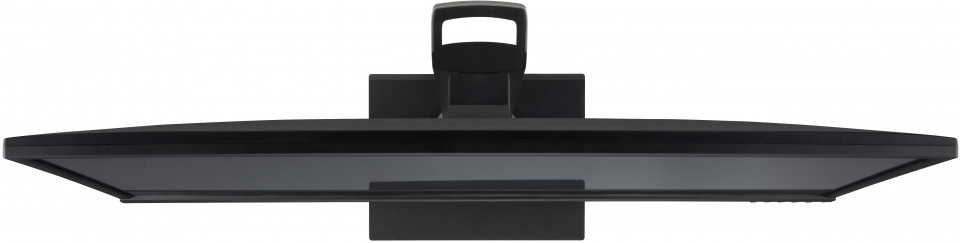
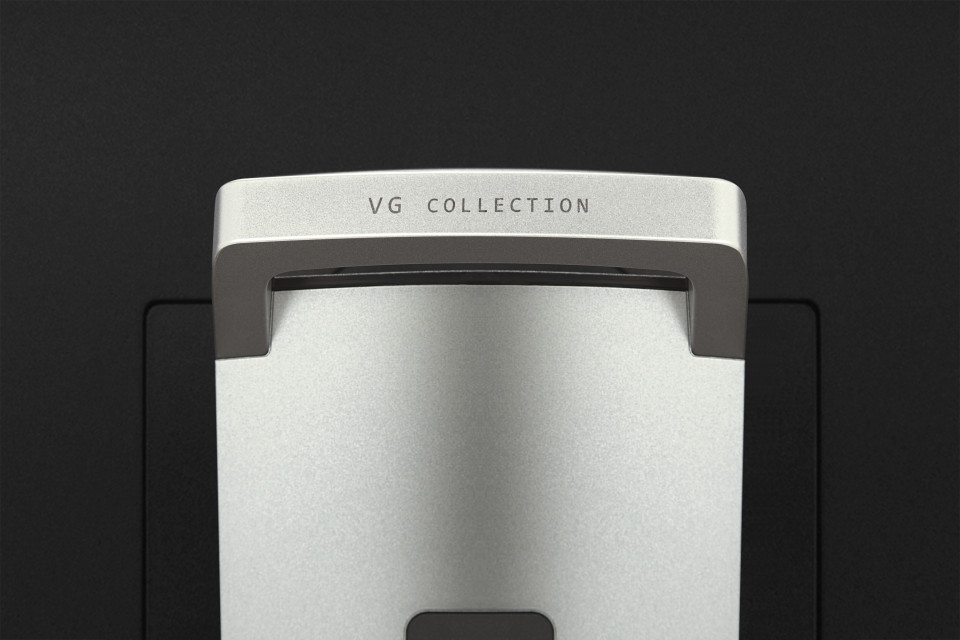
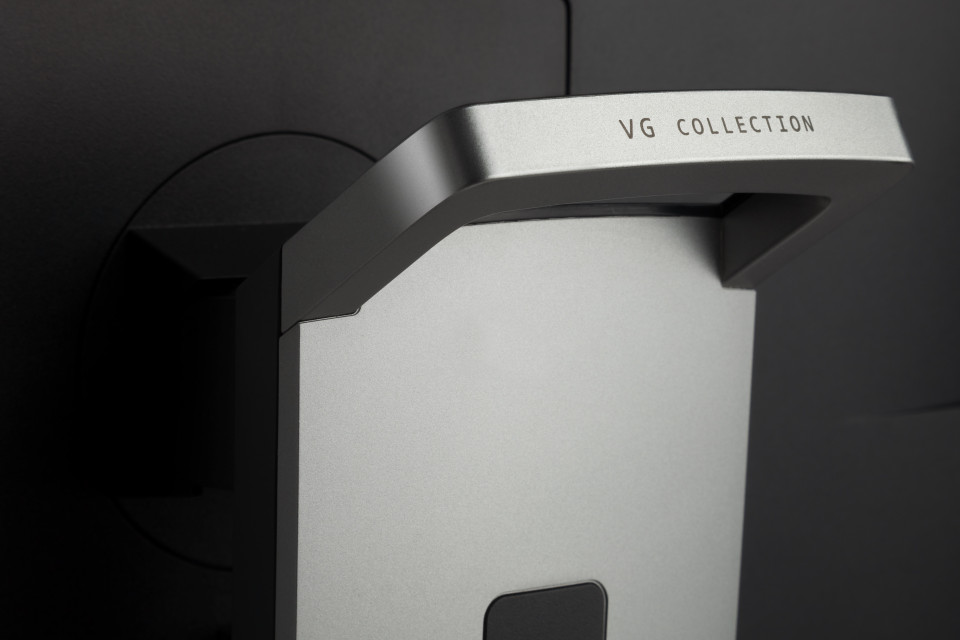
In addition to the single cable USB Type-C connectivity that reduces the reliance on multiple cables and adapters, the monitor’s stand is also designed with cable management and client mount capability to create a cleaner looking space.Versatile Stand Design
A New Angle on Workplace Ergonomics
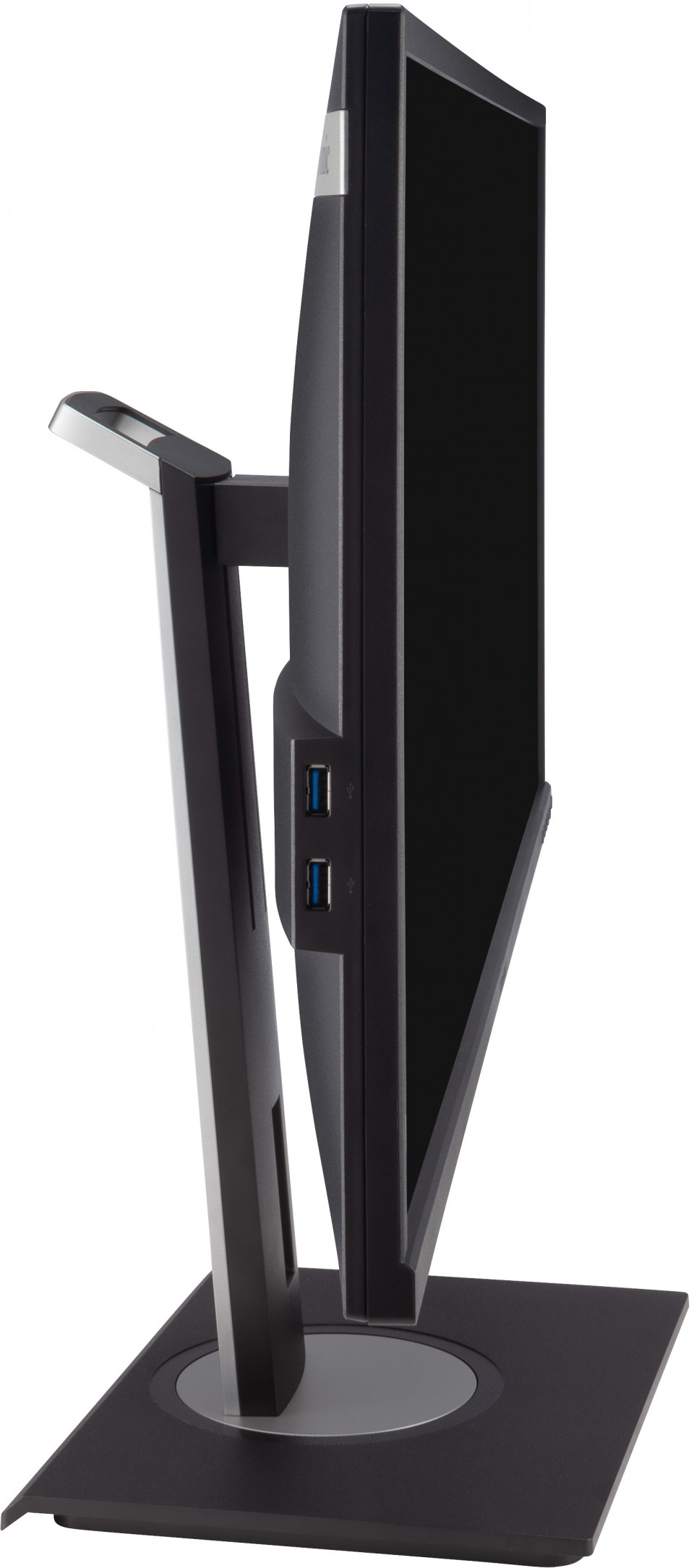
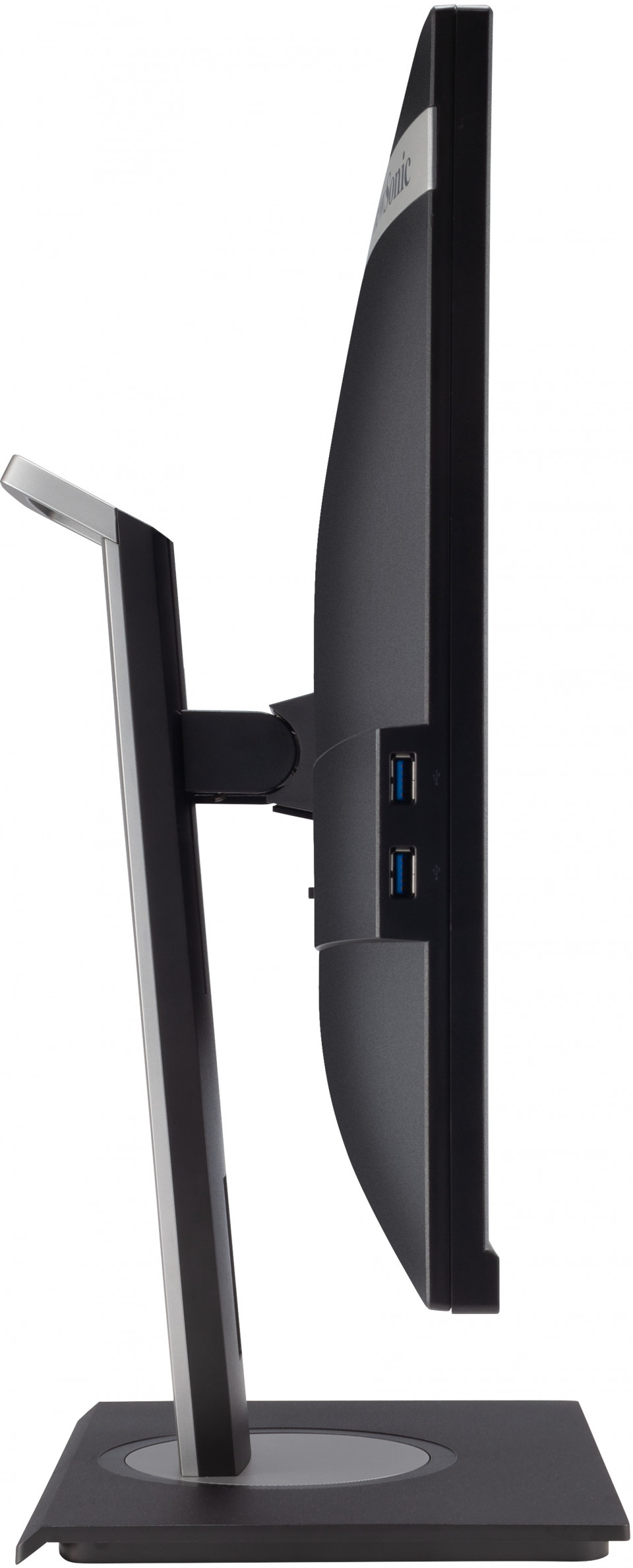
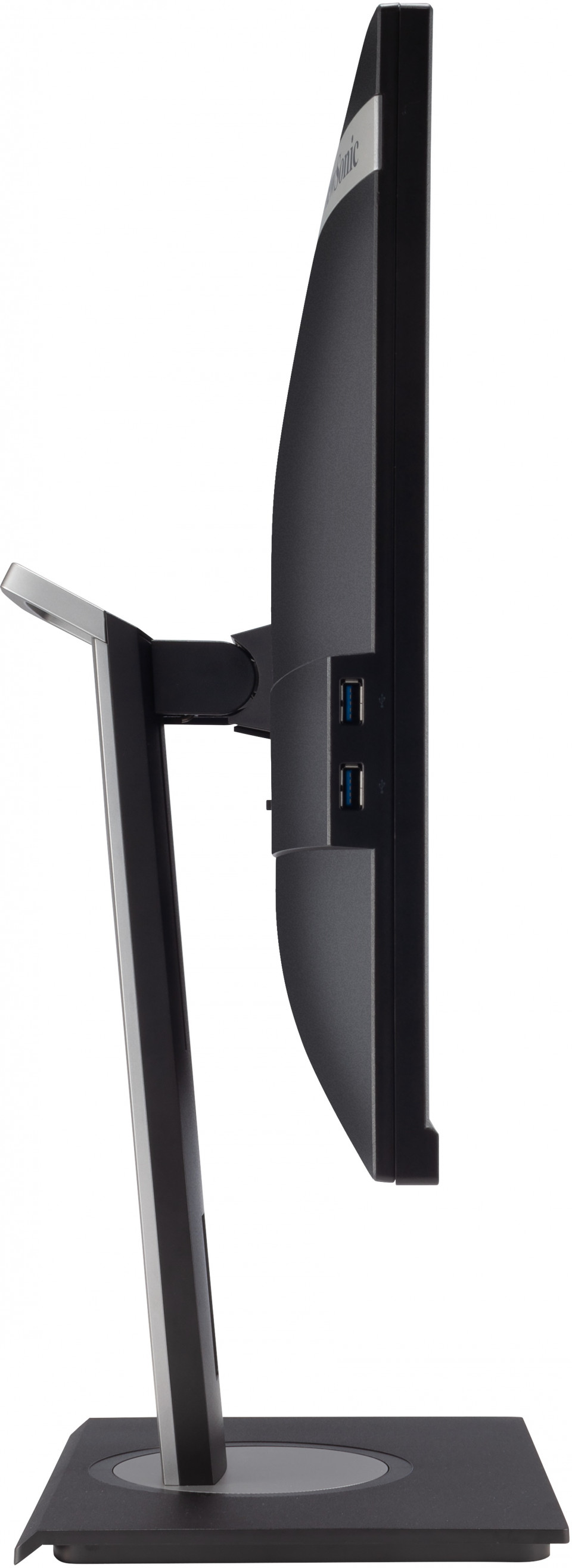
Enjoy every detail with advanced ergonomics – swivel, height adjustment, and a 40° ergonomic tilt angle. Each provides a greater range of customizable adjustment for maximum comfort. The 40° tilt also enables you to use the monitor while standing or having a strategic group discussion around the screen.Swivel +/-60°, Tilt 40°~-5°, Height Adjust 0~130 mm

Inbuilt Multi-tasking and Efficiency Software
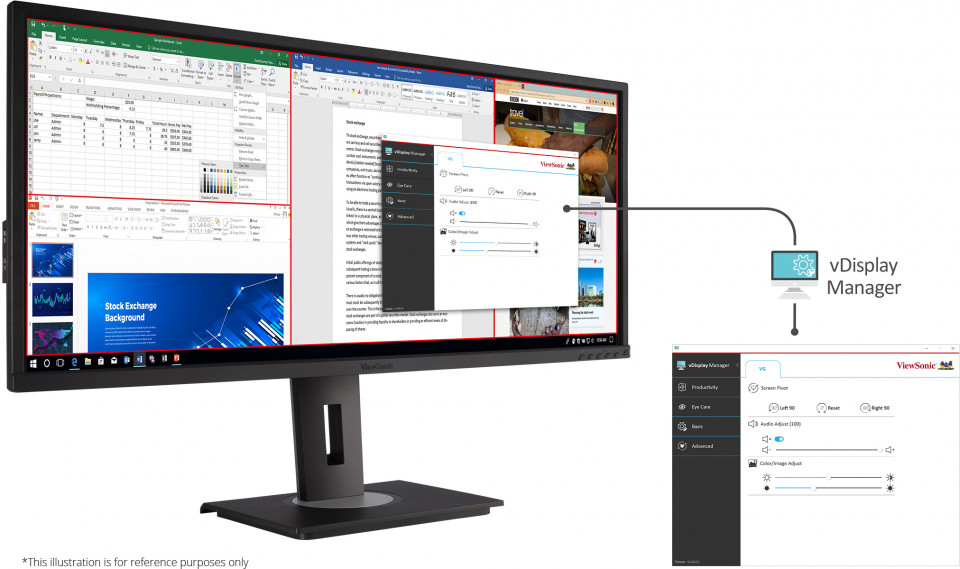
Work smart with efficient OSD command and control through vDisplay Manager. Personalize split-screen displays, auto-launch applications, and customize display settings to maximize multi-tasking abilities and overall efficiency.vDisplay Manager software
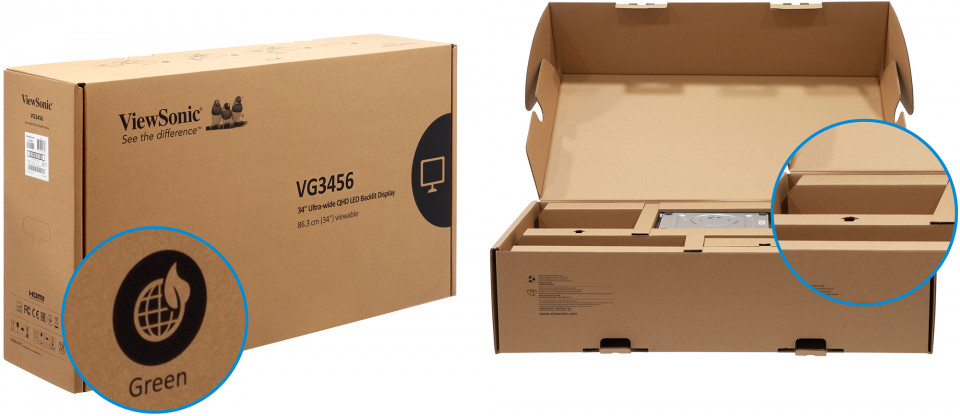
Eco-friendly, biodegradable packaging
This monitor is shipped in paper-based packaging for easy disposal through recycling. The green thinking is reinforced with hand holes and mono color printing to avoid any plastics and pollutants.Paper-based
Efficient 4-step Assembly
Only a few steps away from your docking monitor: simply open the green box, screw the base onto the quick release stand, snap the stand into place using the slots, and lift it up - it’s done.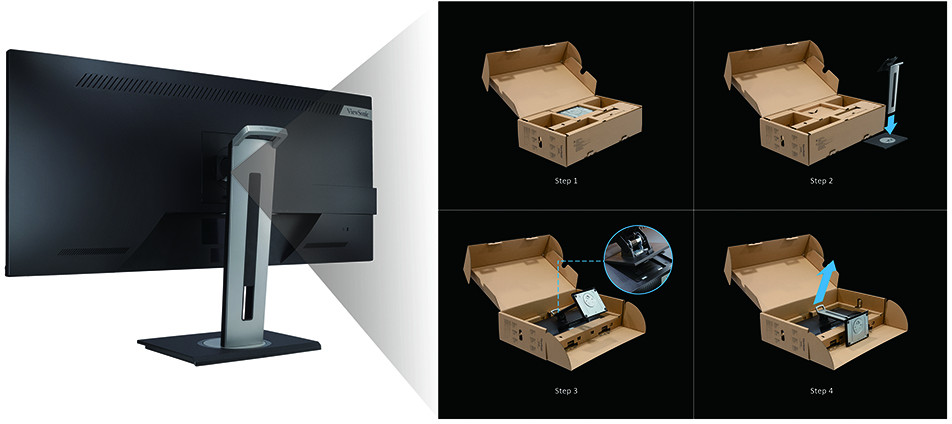
Minimized Total Cost of Ownership
Designed for the busiest of office environments, this monitor helps to reduce hidden business costs and delivers an efficient end-to-end enterprise experience. From installation time and recycling concerns to user experience and screen performance, every feature of this monitor was carefully considered to not only meet your workspace demands, but to also reduce your TCO.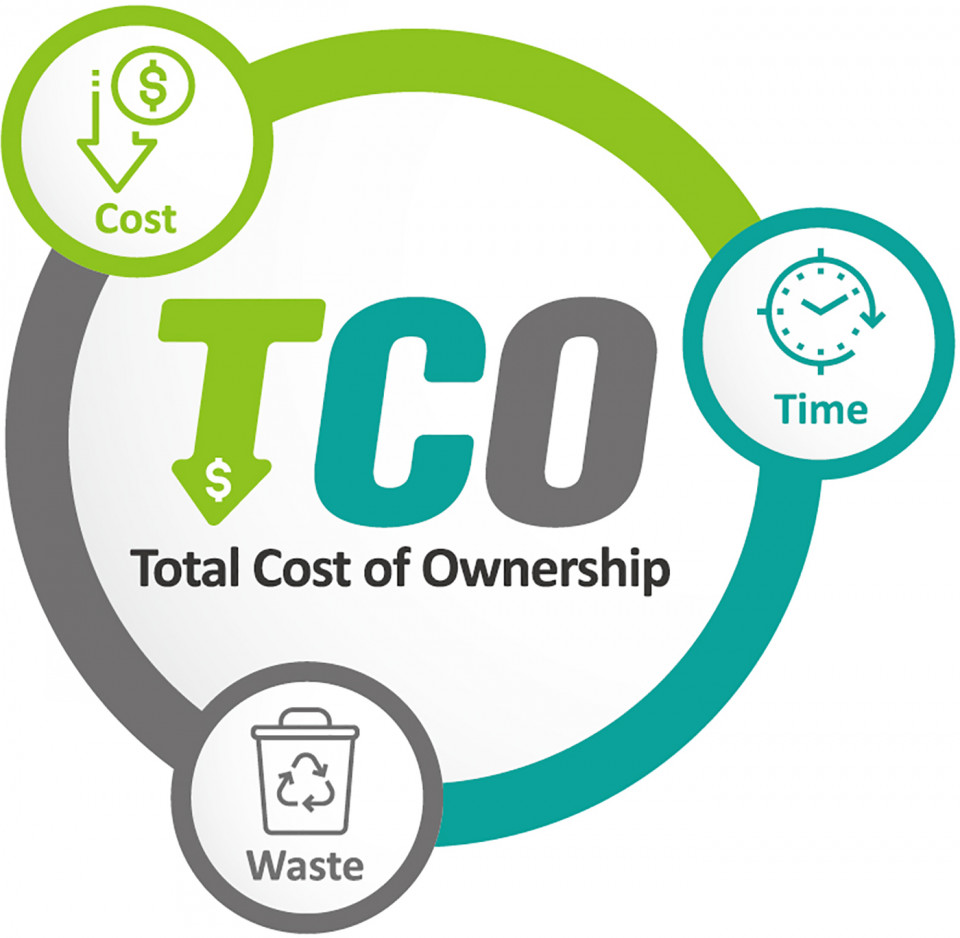
Clarity from Any Angle
Improve group collaboration with high contrast ratio, consistent brightness, and unwavering image quality from every angle with SuperClear® VA panel technology.SuperClear® Technology
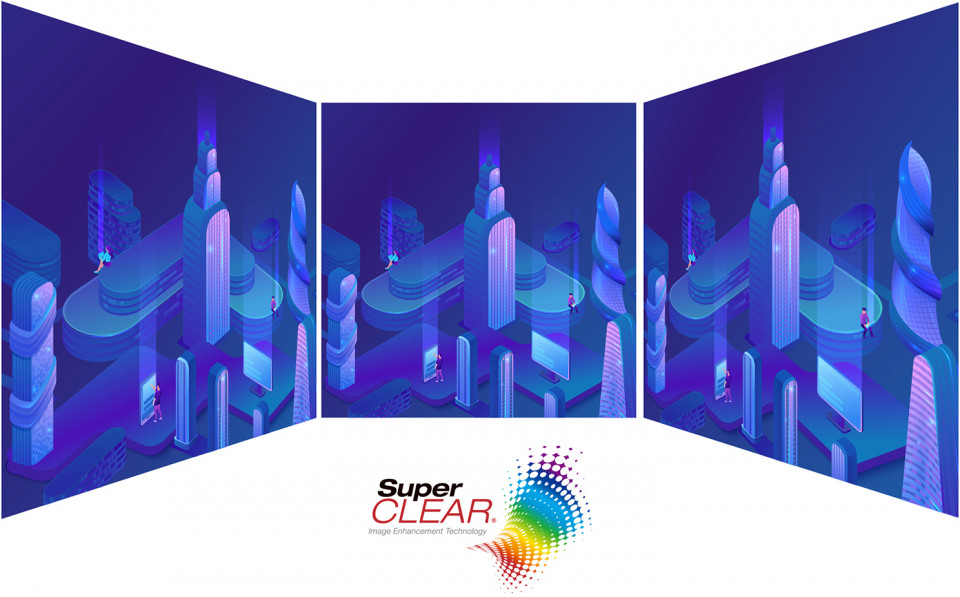
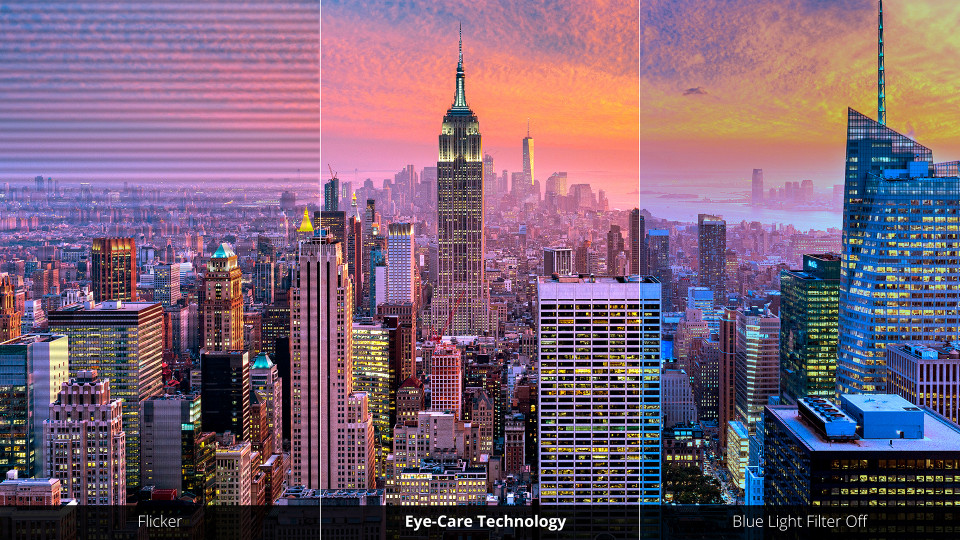
Eye Care Technology
This monitor is built with Flicker-Free technology and a Blue Light Filter to reduce your eye fatigue after a long day of use. You can quickly access the settings via the vDisplay Manager software, and preset brightness and contrast levels for different time slots.Flicker-Free & Blue Light Filter
Environmental Sustainability
The VG3456 is an ENERGY STAR certified product that can save on energy costs* while reducing greenhouse gases. The display is registered as an EPEAT Silver product that delivers a reduced environmental impact over the product’s lifecycle *Energy savings may vary based on actual usage and other factors.EPEAT Silver & ES 8.0

Dimension & I/O Ports
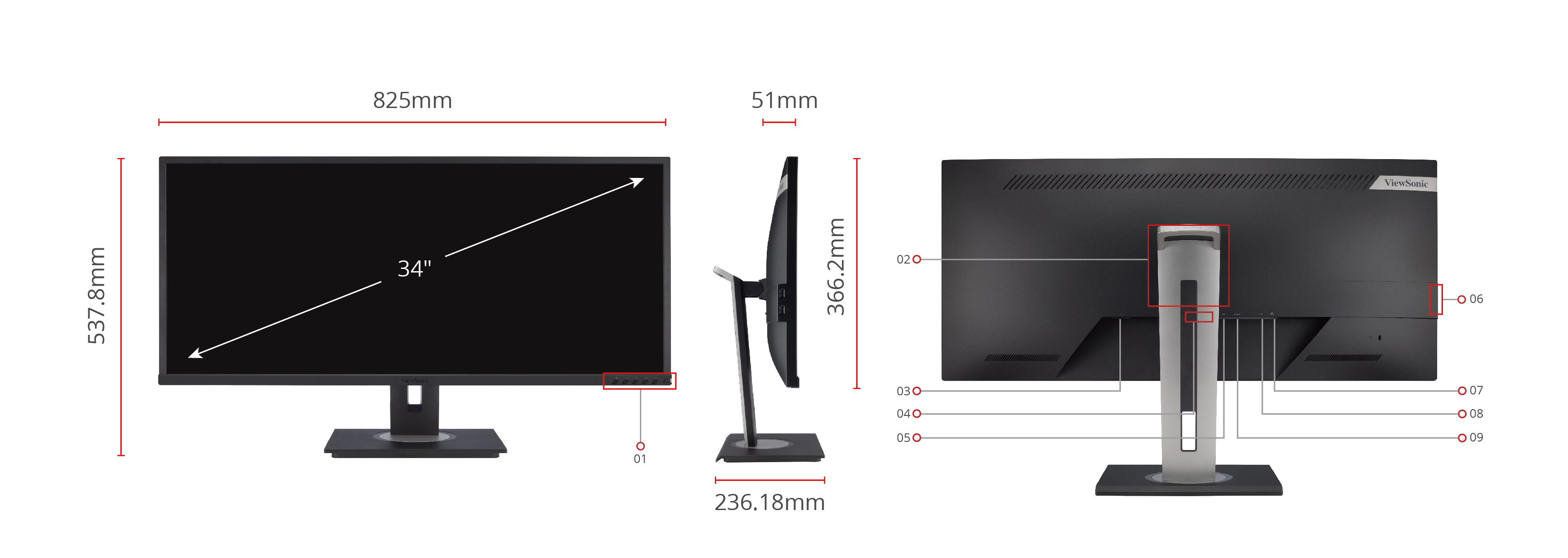
- Menu Control Panel
- VESA Compatible
(Wall Mount 100 x 100mm) - AC IN
- HDMI x 2
- Display Port
- USB down stream x 2
- Rj45
- USB-B
- USB-C
المواصفات
- الشاشةحجم الشاشة (بوصة): 34
المساحة المرئية (بوصة): 34.1
نوع اللوحة: VA Technology
الدقة: 3440 x 1440
نوع الدقة: UWQHD (UltraWide QHD)
نسبة التباين الثابت: 3,000:1 (typ)
نسبة التباين الديناميكي: 50M:1
مصدر الضوء: LED
السطوع: 300 cd/m² (typ)
الألوان: 1.07B
مساحات الألوان المدعومة: 10 bit (8 bit + FRC)
الابعاد المتزنة: 21:9
زمن الاستجابة (GTG النموذجي): 5ms
زمن الاستجابة (GTG مع OD): 5ms
زمن الاستجابة (Tr+Tf النموذجي): 25ms
زوايا النظر: 178º horizontal, 178º vertical
عمر الإضاءة الخلفية (ساعات): 40000 Hrs (Min)
انحناء: Flat
معدل التحديث (هرتز): 60
تقنية معدل التحديث المتغير: FreeSync
فلتر الضوء الأزرق: Yes
إضاءة زرقاء منخفضة: Software solution
خالٍ من الوميض: Yes
نطاق الألوان: Adobe RGB: 79% size / 74% coverage (Typ)
NTSC: 72% size (Typ)
sRGB: 106% size / 95% coverage (Typ)
حجم البكسل: 0.233 mm (H) x 0.233 mm (V)
معالجة السطح: Anti-Glare, Hard Coating (3H) - التوافقدقة الكمبيوتر (الحد الأقصى): 3440x1440
دقة Mac® (الحد الأقصى): 3440x1440
نظام تشغيل الكمبيوتر: Windows 7/8/8.1/10 certified; macOS tested
دقة Mac® (الحد الأدنى): 3440x1440 - موصلUSB 3.2 Type A تدفق هابط: 2
USB 3.2 Type B تدفق صاعد: 1
USB 3.2 Type C تدفق صاعد؛ وضع DisplayPort البديل: 1 (90W power charger)
HDMI 1.4: 2
منفذ الشاشة: 1
دخل الطاقة: 3-pin Socket (IEC C14 / CEE22)
شبكة Ethernet LAN (RJ45): 1
- الصوتمكبرات صوت داخلية: 3Watts x2
- الطاقةالوضع الاقتصادي (توفير): 30W
الوضع الاقتصادي (مُحسّن): 32W
الاستهلاك (نموذجي): 35W
الاستهلاك (الحد الأقصى): 46W
الجهد: AC 100-240V
وضع الاستعداد: 0.3W
مصدر الطاقة: Internal Power Supply - أجهزة إضافيةفتحة قفل Kensington: 1
تنظيم الكابلات: Yes - ادواة التحكمأزرار التحكم المادية: Key 1 (eye), Key 2, Key 3, Key 4, Key 5, Key 6 (power)
قائمة العرض على الشاشة (OSD): Input Select, Audio Adjust, ViewMode, Color Adjust, Manual Image Adjust, Setup Menu - ظروف التشغيلدرجة الحرارة: 32°F to 104°F (0°C to 40°C)
الرطوبة (بدون تكثّف): 20% to 90% - Wall Mount متوافق مع VESA: 100 x 100 mm
- إشارة الإدخالالتردد الأفقي: 15 ~ 150KHz
التردد الرأسي: 24 ~ 100Hz - دخل الفيديومزامنة رقمية: TMDS - HDMI (v1.4), PCI-E - DisplayPort (v1.2), Micro-Packet - Type C
- التصميم المريحضبط الارتفاع (مم): 130
الدوران الجانبي: 120º
الإمالة (للأمام/للخلف): -5º / 40º - الوزن (إمبراطوري)الوزن الصافي (رطل): 19.4
الوزن الصافي بدون الحامل (رطل): 13.5
الوزن الإجمالي (رطل): 29.5 - Weight (metric) الوزن الصافي (كجم): 8.8
الوزن الصافي بدون الحامل (كجم): 6.1
الوزن الإجمالي (كجم): 13.4 - المقاسات (عرض × ارتفاع × عمق)العبوة (بوصة): 37.2 x 20.7 x 9.2
الأبعاد الفعلية (بوصة): 32.5 x 16.07~21.19 x 9.3
الأبعاد الفعلية بدون الحامل (بوصة): 32.5 x 14.4 x 2 - المقاسات (متري) (عرض × ارتفاع × عمق)العبوة (مم): 945 x 525 x 234
الأبعاد الفعلية (مم): 825 x 407.8~537.8 x 236
الأبعاد الفعلية بدون الحامل (مم): 825 x 366 x 51 - عاماللوائح التنظيمية: cTUVus, FCC-B, ICES003, Energy Star, EPEAT, CEC, CE, CE EMC, CB, RoHS, ErP, REACH, WEEE, EAC, UkrSEPRO, RCM
محتويات العبوة: VG3456 x1, 3-pin Plug (IEC C13 / CEE22) x1, HDMI Cable (v1.4; Male-Male) x1, USB Type-C Cable (Male-Male) x1, USB A/B Cable (v3.2; Male-Male) x1, Quick Start Guide x1
إعادة التدوير/التخلص: Please dispose of in accordance with local, state or federal laws.
الضمان: *Warranty offered may differ from market to market
إدارة الطاقة: Energy Star standards, EPEAT
الدعم والتحميل
جداول البيانات
أدلة المستخدم
VG3456 User Guide (English)
VG3456 User Guide (Online View)
كل اللغات
VG3456 User Guide (Bahasa Indonesia)VG3456 User Guide (Dansk)VG3456 User Guide (Deutsch)VG3456 User Guide (Español )VG3456 User Guide (Français)VG3456 User Guide (Hrvatski)VG3456 User Guide (Italiano)VG3456 User Guide (Magyar)VG3456 User Guide (Nederlands)VG3456 User Guide (Norsk)VG3456 User Guide (Polski)VG3456 User Guide (Português)VG3456 User Guide (Română)VG3456 User Guide (Srpski)VG3456 User Guide (Suomi)VG3456 User Guide (Svenska)VG3456 User Guide (Türkçe)VG3456 User Guide (Česky)VG3456 User Guide (Ελληνικά)VG3456 User Guide (Български)VG3456 User Guide (Русский)VG3456 User Guide (Українська)VG3456 User Guide (日本語)VG3456 User Guide (简体中文)VG3456 User Guide (繁體中文)VG3456 User Guide (한국어)VG3456 User Guide (ﺍﻟﻌﺭﺑﻳﺔ)
برنامج التشغيل والبرامج
Standard Monitor Driver Signed Windows 10 x64Standard Monitor Driver Signed Windows 10 x86Standard Monitor Driver Signed Windows 7Standard Monitor Driver Signed Windows 7 x64Standard Monitor Driver Signed Windows 8 x64Standard Monitor Driver Signed Windows 8 x86Standard Monitor Driver Unsigned WindowsStandard Monitor Driver Unsigned Windows x64vDisplay Manager 2.0 (Mac) DownloadvDisplay Manager 2.0 (Win) DownloadvDisplay Manager 2.0 User Guide (English)vDisplay Manager 2.0 supported models